1
Loudness
You can get compensation on lower and higher frequency for your
radio by adjusting the Loudness function.
GB
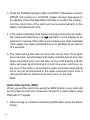
1. Press the Menu button to enter the menu setting.
2. Press the Tuning control until ‘LOUD ON or OFF’ appears on the
display. Press the Select button to enter the setting.
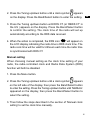
3. Press the Tuning up/down button to choose ON to turn on the
loudness function, then press the Select button to confirm the
setting.
4. To turn off the loudness function, select OFF and press the Select
button to confirm the setting.
Display backlight
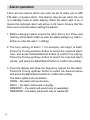
The brightness of the display can be adjusted when the radio is in
Standby mode and when it is in use. Press the Backlight button
and the display will illuminate. To turn off the backlight, press the
Backlight button again.
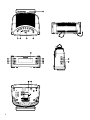
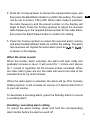
At the same time, you can adjust the display backlight level by
rotate the backlight control
at the bottom of your radio.
21