1
Power supply modules
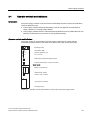
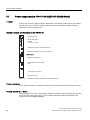
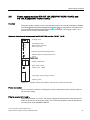
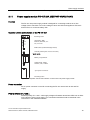
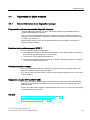
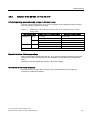
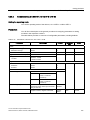
3.1 Common characteristics of the power supply modules
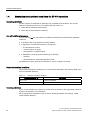
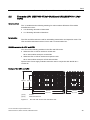
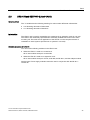
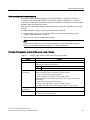
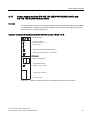
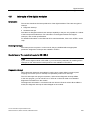
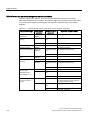
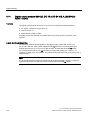
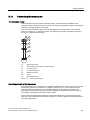
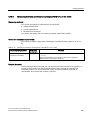
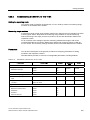
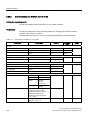
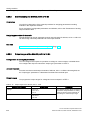
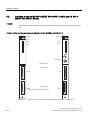
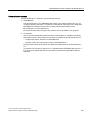
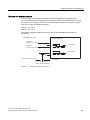
Power supply module in invalid slot
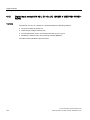
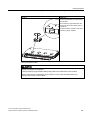
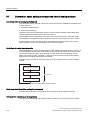
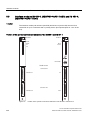
If you insert the power supply module of a rack in an invalid slot, it will not power up. In this
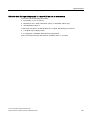
case, proceed as follows to start up the power supply module correctly:
1. Disconnect the power supply module from the mains (not just the standby switch).
2. Remove the power supply module.
3. Install the power supply module in slot 1.
4. Wait at least 1 minute and then switch the line voltage on again.
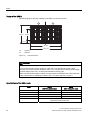
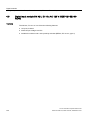
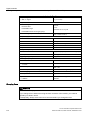
CAUTION
Danger of damage to equipment.
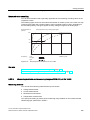
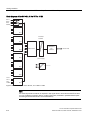
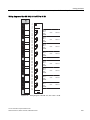
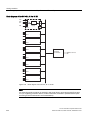
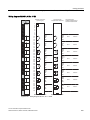
If you insert the power supply module in a slot that is not intended for power supply
modules, the module may be damaged. Slots 1 to 4 are permitted, whereby power
supply modules starting from slot 1 must be inserted without leaving gaps.
Make sure that power supply modules are only inserted in permissible slots.
50
S7-400 Automation System Module Data
Reference Manual, Edition 09/2009, A5E00850736-06