1
COMMUNICATION
Telephone
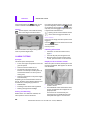
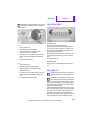
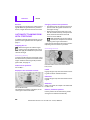
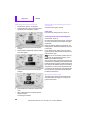
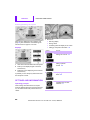
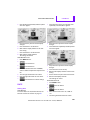
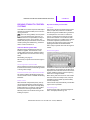
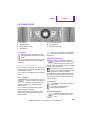
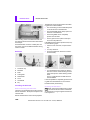
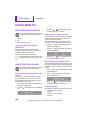
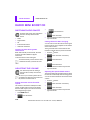
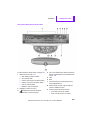
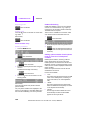
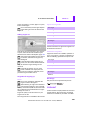
Turn the right-hand knob to display the phone
number for the hotline and the information
required for pairing on the display.
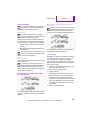
Unpairing a mobile phone
After pairing for the first time
3.
> Mobile phone is detected/paired in the vehicle after a short delay when the engine is
running or radio standby switched on.
4.
> Once the mobile phone has been identified,
phone book entries from the mobile phone
and/or SIM card* are transferred from the
telephone as appropriate for the device concerned.
> Some mobile phones may require certain
settings, authorisation or secure connection,
see operating instructions of the mobile
phone.
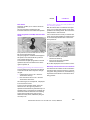
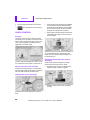
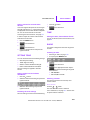
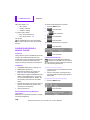
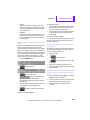
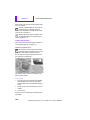
Connecting a certain mobile phone
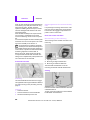
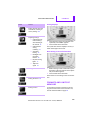
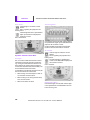
1. Switch off the mobile phone.
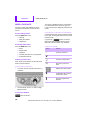
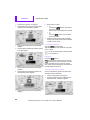
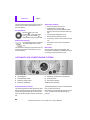
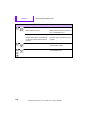
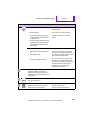
2. Press the MENU button.
Press the button.
Press the button.
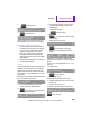
5. Turn the right-hand rotary knob to show the
required mobile phone on the radio display.
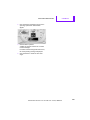
6.
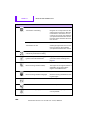
Press the button.
7.
Press the button to confirm the
message on the display.
If more than one mobile phone is detected by
the vehicle, the mobile phone furthest up the list
is connected. If another mobile phone is to be
connected, this can be selected.
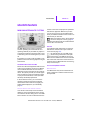
What to do if ...
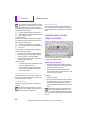
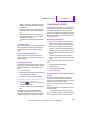
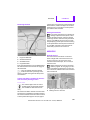
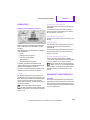
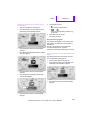
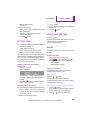
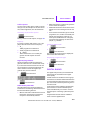
The connected mobile phone is identified on the
radio display by the following symbol:
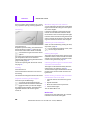
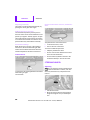
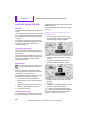
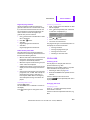
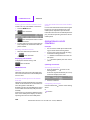
To change the order in which the mobile phones
appear in the list:
> Is Bluetooth activated on the vehicle and on
the mobile phone? Activate Bluetooth in the
vehicle and on the mobile phone.
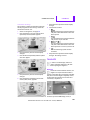
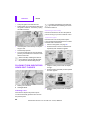
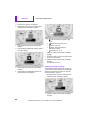
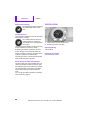
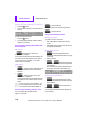
1. Press the MENU button.
2.
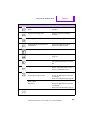
Press the button.
Information about compatible mobile phones,
see page 126.
Unable to pair or connect mobile phone.
> Do the Bluetooth passkeys on the mobile
phone and vehicle agree? Enter the same
passkey on the mobile phone and via the
radio.
> Does it take more than 30 seconds to enter
the passkey? Repeat the pairing procedure.
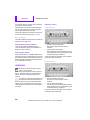
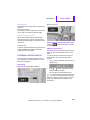
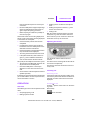
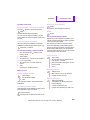
3.
Press the button.
4. Turn the right-hand rotary knob until the
mobile phone whose position in the list you
wish to change is displayed.
5.
Press the button as often as necessary until the desired chapter is reached.
130
> Too many Bluetooth devices paired to the
mobile phone? If necessary delete the pairing information on the mobile phone for
some other device.
> Is the mobile phone running in power economy mode or is the battery charge low?
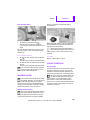
Charge the mobile phone in the snap-in
adapter* or using the charger cable.
> Dependent upon the mobile phone, it might
only be possible to connect one device to
the vehicle. Unpair the connected device
Online Edition for Part no. 01 40 2 607 512 - © 03/11 BMW AG