1
3
Testing U4154A Performance
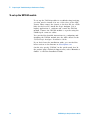
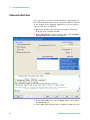
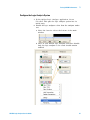
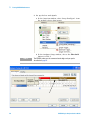
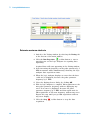
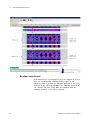
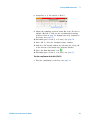
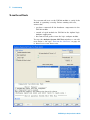
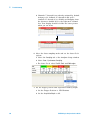
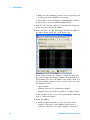
1 Using the mouse, drag the sample position (blue line) of
the stray channel (channel “My Bus 1 [0]” in the above
example) so that it is in the same eye as the other
channels. The Suggested Position from Eye Scan (green
triangle) will also move to the new eye.
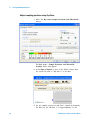
2 Repeat the above step for all the remaining stray
channels.
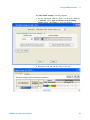
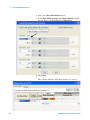
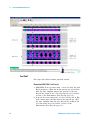
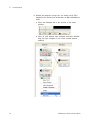
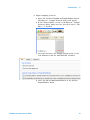
3 Click the Run This Measurement button in the Eye Scan
- Sample Positions and Threshold Settings dialog. Eye
Scan will recalculate the new sample positions based on
the sample position changes. The following example shows
all sampling positions aligned and in the correct eye.
U4154A Logic Analyzer Service Guide
53