1
Clarity
Chromatogram Measurement and Evaluation
4.3 Fundamental Procedure of Analysis
The following chapters present directives informing about various
methods of analysis processing. The basic procedure is also described
in the Getting Started manual in the First Analysis chapter.
Additional information is also available in chapter 10.2 - Signal
Displaying and Measurement on page 116.
4.3.1 Single Analysis
This chapter describes a comprehensive procedure of analysis
processing and takes most options the station has to offer into account.
Some additional variants are discussed in subsequent chapters.
Instrument selection
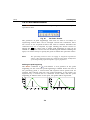
Click the instrument icon (found in the main Clarity window) that
represents the chromatograph you wish to use in the analysis. Fill in
your name or, while in the protected mode, select your User Name and
enter the Password. Then click the OK button to open the
corresponding Instrument window.
Setting up measurement conditions
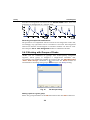
All parameters and data items referring to the measurement are
summarised in the Method Setup - Measurement and Acquisition tabs of the
template method. These are first displayed using the
and
icons,
or by using the Method - Measurement (Acquisition) command from
the Instrument window. The name of the template method will be
displayed in the Information table. If you prepare another template
method during the measurement, the name of this current template
method will be displayed in the header of the Instrument window.
Setting up the maximum input voltage
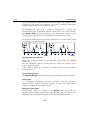
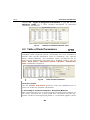
The input range (attenuation) is defined by the Range item in the
Method Setup - Acquisition dialog, and must be higher than the maximum
output voltage of the employed detector. On the other hand, it is
improper to measure small voltages with, say, the 10-V range, since this
would reduce resolution and accuracy of the measurement. If you
intend to measure negative voltages, check the Bipolar command.(xxx –
nemuzu najit ten prikaz Bipolar)
36