1
Advanced Features
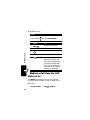
Feature
Make
Conference
Call
Description
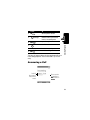
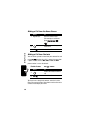
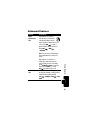
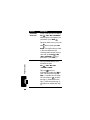
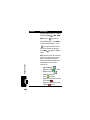
Join together all existing
calls to make a conference
call from the Home screen:
Enter a phone number for the 1st
call > press Send
> enter a
phone number for the 2nd call >
> Menu
press Send
> Conference.
Note: The 1st call is automatically
put on hold when the 2nd call is
active.
Phone Features
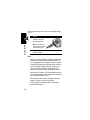
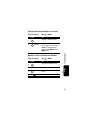
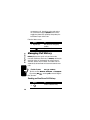
Tip: To break 1 call out of a
conference and make this call
active (while the rest is on hold),
press Menu
> Private > scroll to a
desired call > Action (A). Press
End
to end the active call.
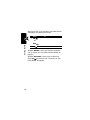
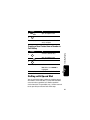
Monitor Phone Keep track of your calling patterns,
Use
to help you choose a calling plan or
estimate your monthly billing:
Start
> Call History > Menu
> View
Timers
65