1
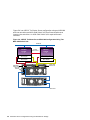
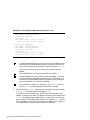
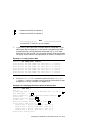
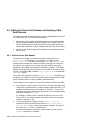
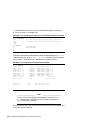
Example 4-20: Disks Available for Software Installation (cont.)
9)
dsk78
3.0
SCSI
MSA1000
IDENTIFIER=106
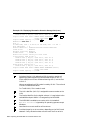
Record the /dev/disk/dskn value for the Tru64 UNIX disk in Table A-2.
For the example we are using, identifier 101 is dsk73 (see Example 4-20
and Table 4-2.)
Complete the installation, following the instructions in the Tru64 UNIX
Installation Guide for your version of the operating system.
If you are only installing the base operating system, and not installing
TruCluster Server, set the bootdef_dev console environment variable to
multiple paths before you boot the operating system (see Section 4.10.2).
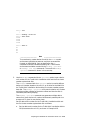
______________________
Note
_______________________
Ensure that you install the patch kit needed for your version of
the operating system.
If you are installing TruCluster Server software, skip Section 4.10.2 and
proceed directly to Section 4.10.3.
4.10.2 Reset the bootdef_dev Console Environment Variable
After installing the operating system software, shut down the operating
system to the console prompt. Use the console show device command to
verify that the bootdef_dev console environment variable is set to select
multiple paths to the boot device and not just one path.
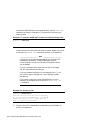
If it is set to select only one path to the boot device, set it to select multiple
paths, as follows:
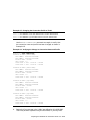
1.
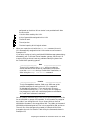
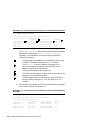
Examine the reachability display provided by the wwidmgr -show
reachability command for the device names that can access the
storage unit from which you are booting.
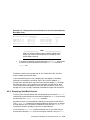
____________________
Notes
____________________
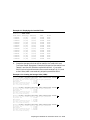
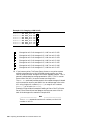
Choose device names that show up as both Yes and No in
the reachability display connected column. Note, that for
the MSA1000, only one controller is normally active for a
storage unit. You must ensure that the unit is reachable if
the controllers have failed over.
4-28 Preparing the MSA1000 for TruCluster Server Use