1
Chapter 14 Customizing Guest Operating Systems
9
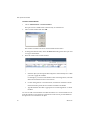
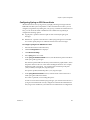
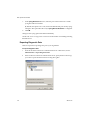
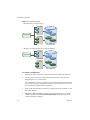
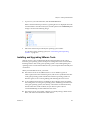
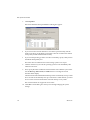
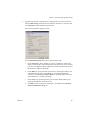
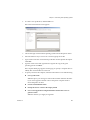
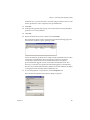
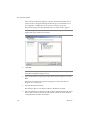
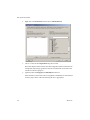
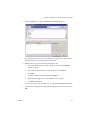
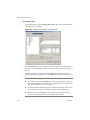
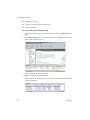
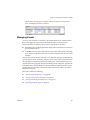
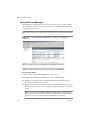
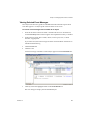
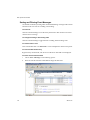
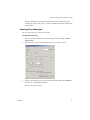
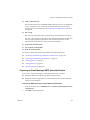
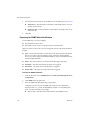
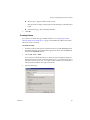
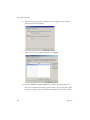
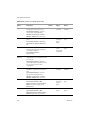
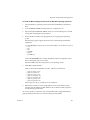
If typical VirtualCenter configuration is not appropriate for your environment, select Custom settings, select the network interface card (NIC) to customize and click Customize to make additional specifications. The Network Properties dialog box opens.
Use the Network Properties dialog box to perform these steps:
VMware, Inc.
a
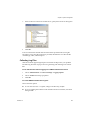
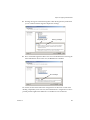
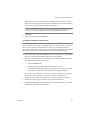
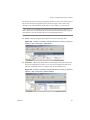
On the General tab, select whether you want to use DHCP to obtain an IP address automatically or enter the IP addresses manually. Also select whether you want to use DHCP to obtain an DNS server address automatically or enter the DNS server addresses manually.
b
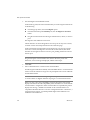
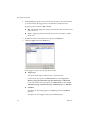
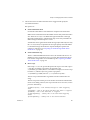
On the DNS tab, specify the DNS connections by entering DNS suffixes. For each DNS suffix you enter, click Add. If you are adding multiple DNS connections, use Move Up and Move Down to specify the order in which a virtual machine is to use the connections. c
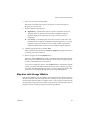
On the WINS tab, specify the primary and secondary WINS addresses by typing the IP addresses in the entry boxes. d
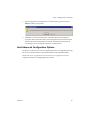
Click OK to return to the previous dialog box. Click Next on the Network Guest Customizations dialog box.
221