1
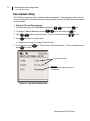
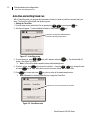
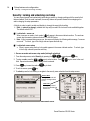
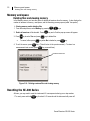
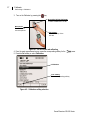
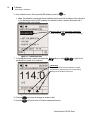
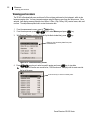
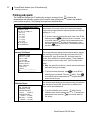
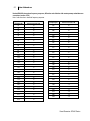
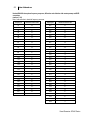
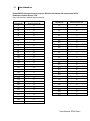
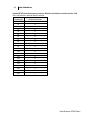
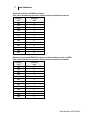
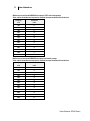
22 Measure Viewing past sessions Viewing past sessions The SE-400 will automatically save and store all of the run/stops performed on the instrument, which is also known as session data. You may view past sessions using the Memory menu from the Setup screen. Once selected, it will display summary data (such as LASmx, LASmn, LZpk, LASeq, LAE), session name, date, and run-time. The steps below explain how to review the session data. 1. From the measurement screen, press the 2. From the setup screen, press keys to select Memory and press key. 3. With Session Directory selected (indicated by the black shaded bar), press key. / softkey. Select to view summary data from past runs/sessions. Figure 4-10: Session directory screen 4. Press / arrow keys to select a specific session and press key to view data. Note: the SE-400 series runs are stored as, “S0000xx.ses and will display with the most recent at the top of the page. Press enter key to view the summary data. Figure 4-11: Saved sessions Sound Examiner SE-400 Series