1
Troubleshooting
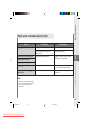
Copy Image
Problems
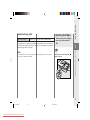
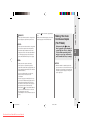
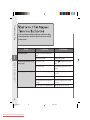
If copies appear either too dark
or too light and you can not get a
clear copy, refer to the guidelines
below.
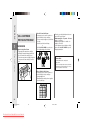
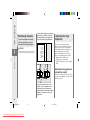
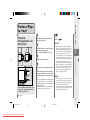
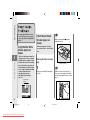
If Light Bands/ White
Streaks Appear on
Copies
3
Copy Image Problems
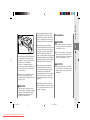
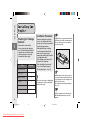
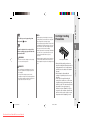
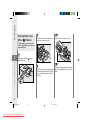
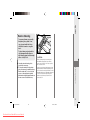
This most often happens when the
cartridge toner is low or not evenly
distributed in the cartridge. To help
distribute the toner in the cartridge,
remove it from the copier and rock
it several times to the left and right
at a 90˚ angle. If the white streaking
continues then replace the
cartridge with a new one.
(See “Replacing Cartridges”,
on p. 21.)
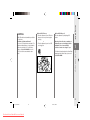
If Dark Bands/ Black
Streaks Appear on
Copies
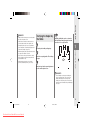
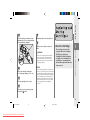
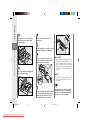
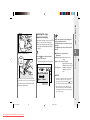
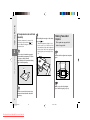
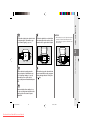
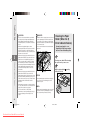
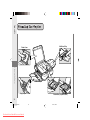
Align the platen with the
sliding it to the left.
When this happens follow the
procedure below to clean the fiber
lens.
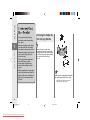
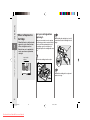
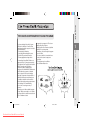
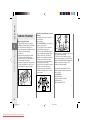
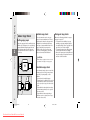
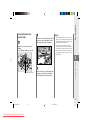
Cleaning the fiber lens (top
side)
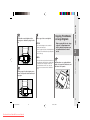
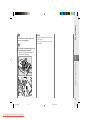
Turn the power switch OFF and unplug
the copier.
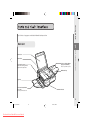
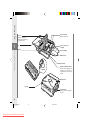
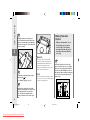
Fiber lens (top side)
Clean the top side of the fiber lens. To
clean, run a cotton swab (not included)
over the entire length of the lens several
times.
Paper feeding
direction
50
03_PC170-USA
Downloaded from ManualsPrinter.com Manuals
50
mark by
06.5.15, 18:28