1
5DGLR2SHUDWLRQ
$0/:6:DXWRVWRUH
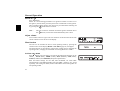
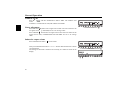
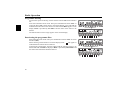
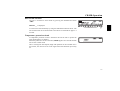
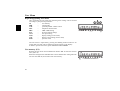
Select desired waveband. Select radio menu mode. Then press multifunction
button “$6” repeatedly until $66((. is displayed. The 10 transmitters with
the best reception are stored under the station buttons in order of quality. The
autostore storage plane is identified on the display by $6.
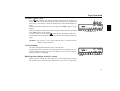
Select radio menu mode in order to quit the autostore storage plane. Then press
multifunction button “$6”. The radio switches back to the station button plane.
)0PDQXDOWXQLQJ
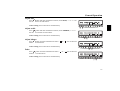
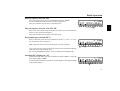
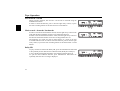
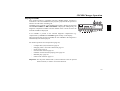
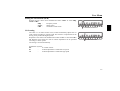
Select radio menu mode. Then press multifunction button “0$1”. Next turn
right rotary control.
100 kHz tuning steps are performed. The function is quit if there is no further
actuation within 8 seconds.
$0/:6:PDQXDOWXQLQJ
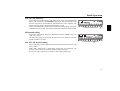
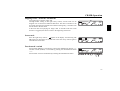
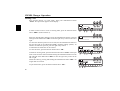
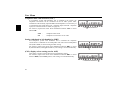
Select radio menu mode within the desired waveband and then turn the right
rotary control.
9kHz (AM), 3kHz (LW) or 5kHz (SW) tuning steps are performed. The
function is quit if there is no further actuation within 8 seconds.
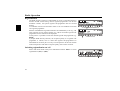
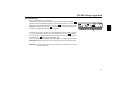
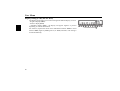
Pressing the right rotary control switches to fine tuning (1kHz steps).
63