1
P35 - style, englisch, A31008-H4000-A1-2-7619
24.03.00
P35c-eng1.fm
Messages
34
Incoming / Outgoing
Message Menu
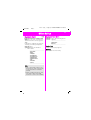
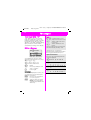
Your messages are stored in the
incoming and outgoing lists. The
number of messages stored is
displayed after the relevant function.
These can be read, changed and
reused.
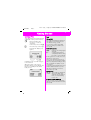
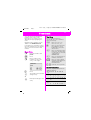
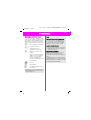
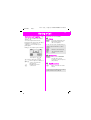
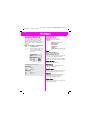
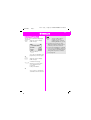
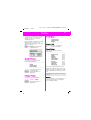
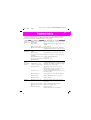
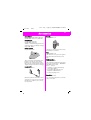
(18> Î 0HVVDJHV Î ,QFRPLQJQHZ
or 2XWJRLQJQHZ
A The messages appear in
chronological order; you
can scroll and read as
required.
A message is displayed.
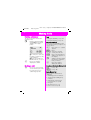
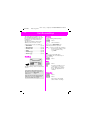
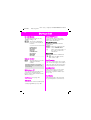
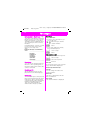
37,216> Select a function.
###########
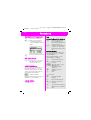
5HSO\(incoming only)
&DURO
GT
Press
,(:>
>
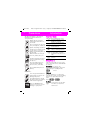
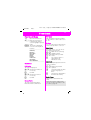
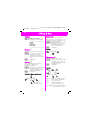
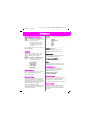
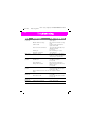
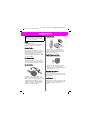
Highlighting messages in:
Incoming:
_ Read.
]
Unread.
Outgoing:
_ Not sent.
]
Sent.
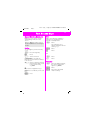
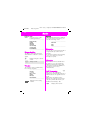
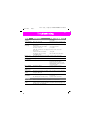
'HOHWH0HVVDJH
(GLW0HVVDJH
6HQG0HVVDJH
&DSDFLW\
6WDWXV5HSRUW(outgoing only)
###########
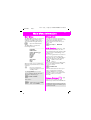
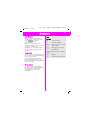
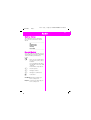
Reply
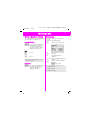
:ULWH0HVVDJH(GLW7H[W
$QVZHULV<(6$QVZHULV12
3OHDVH&DOO%DFN,
OOEHODWH
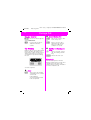
The text of a received message can
be changed, supplemented or
combined with one of the standard
reply texts to form a new message.
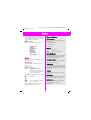
Delete Message
The message is deleted.
Edit Message
The message is displayed in the
editor for changes.
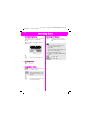
Send Message
Enter a phone number or select one
from the Phonebook, then send.
Capacity
Displays the maximum number of
messages and the number of
messages already stored.
Status Report
Subsequent request for a report on
the message read.