1
Things You Must Do Before Using This Machine
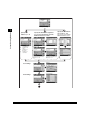
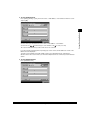
The following registrations must be set before the machine is used.
1
IMPORTANT
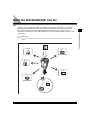
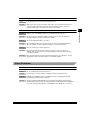
Various Sending Methods
• If you attempt to use the machine without performing the necessary registrations correctly, the machine may
not function properly.
• You need to make network settings if you want to send to an E-mail address, I-Fax, and file server.
(See the Network Guide.)
NOTE
• To send documents to another fax machine, it is necessary for the Fax Board (optional) to be installed.
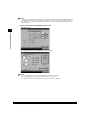
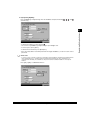
■ Setting the Fax Line Type
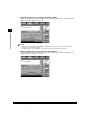
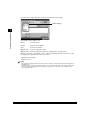
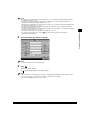
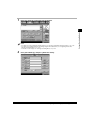
To set the type of telephone line connected to the machine, check whether it is a rotary dial (rotary
pulse) or a touch-tone type and make the correct setting. (See “Selecting the Type of Telephone Line
(Tel Line Type),” on p. 1-10.)
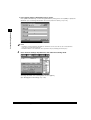
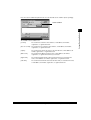
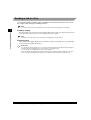
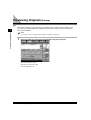
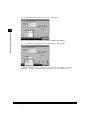
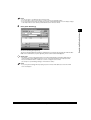
■ Registering the Sending Record
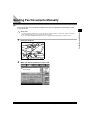
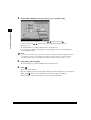
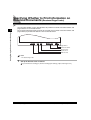
Register a sending record that is printed at the top of the recording paper in the receiving machine when
you use Fax or I-Fax functions.
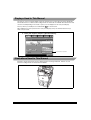
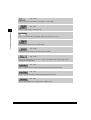
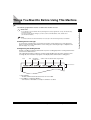
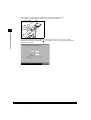
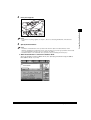
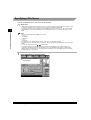
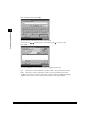
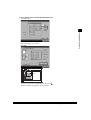
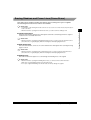
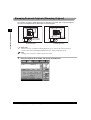
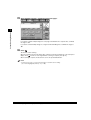
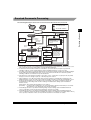
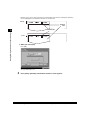
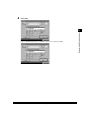
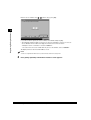
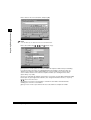
The registered information is printed, as shown below. Depending upon the model of machine at the
receiving side, this information may appear on the display while communication is taking place.
Date
Time
I-Fax Address
or Telephone no.
Sender’s name Destination name Page number
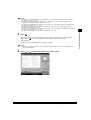
Sender information
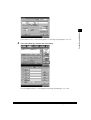
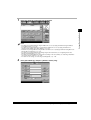
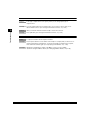
• Date and Time
- The date and time that the document was sent is recorded.
• I-Fax Address or Telephone Number
- Your machine’s I-Fax address or telephone number is recorded.
Things You Must Do Before Using This Machine
1-9