1
Chassis Cooling
Recommended Power-Off Procedure
Note
Ensure that proper software shutdown procedures
have been followed before you continue.
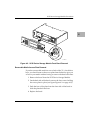
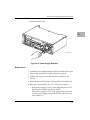
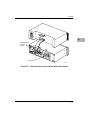
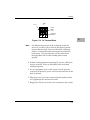
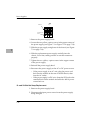
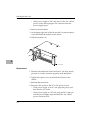
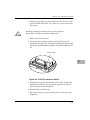
1. Insert the key and turn the power switch to the
position
(Standby, or “off”). The power supply cycles down, but the
power status LED on the power supply remains on,
indicating that primary power is still present.
2. If the system incorporates a dual 9-slot chassis, repeat step 1
for System B.
3. If the chassis is to be powered down for a long time or will be
left unattended, remove the key to prevent tampering with
the power switch.
Emergency Power Removal
In the event of an emergency:
❏
For an AC powered system, remove the power cable from the
rear of the enclosure.
❏
For a DC powered system, trip the circuit breaker for the
wires supplying DC power to the system (there are no useraccessible circuit breakers on the system).
Chassis Cooling
3-Slot Chassis
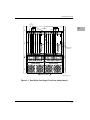
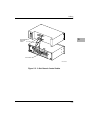
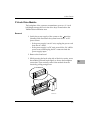
It is essential that all of the equipment used in the rack system be
properly cooled. The system is designed for an input air
temperature below 50° C (122° F). The system’s DC-powered fan
provides forced-air cooling for the power supply module as well as
6-7
6