1
Chapter 10
Configuring the HP NetServer
Clearing Configuration Settings from CMOS
The Setup Utility does not provide a method of clearing the configuration settings
from CMOS from within the Utility. To clear the CMOS of the configuration
settings, you must use the configuration switch on the system board.
1. Power down the HP NetServer and gain access to the system board.
Refer to Chapter 3, "Opening and Closing the HP NetServer."
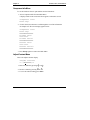
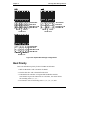
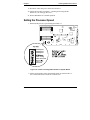
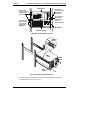
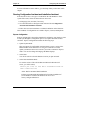
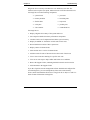
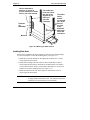
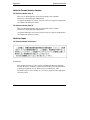
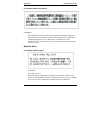
2. On the system board, set switch 5 of the configuration switch from OFF to
ON (see Figure 10-2).
To locate the configuration switch on the system board, refer to Chapter 7,
"Installing Additional Processors."
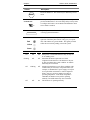
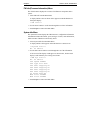
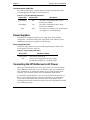
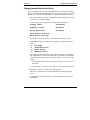
ON
1 2 3 4 5 6 7 8
CPU Speed
CPU Speed
CPU Speed
Clear Config
Clear Password
Not Used
Figure 10-2. System Board Configuration Switch
3. Power up the HP NetServer.
Refer to Chapter 2, "Controls, Ports, and Indicators."
4. Allow the HP NetServer to boot the operating system.
126