1
Getting Started with VCM
n
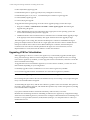
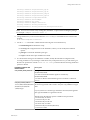
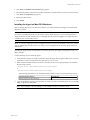
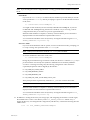
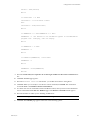
PORTNUMBER: Installs the Windows Agent on the port number specified, using HTTP instead of
DCOM. For HTTP installs, where PORTNUMBER is set, you must also specify a certificate file using the
syntax: CERTIFICATEFILE=”x:\[mypath]\[mycert].pem”. For example:
msiexec.exe /qn /i "C:\temp\CMAgent[VersionNumber].msi" PORTNUMBER=2666
CERTIFICATEFILE=”x:\mypath\mycert.pem”
n
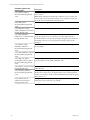
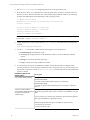
INSTALLDIR: Changes the default root directory specification (%SystemRoot%\CMAgent). For
example:
msiexec.exe /qn /i "C:\temp\CMAgent[VersionNumber].msi" INSTALLDIR="C:\VCM"
n
CERTIFICATEFILE: Specifies the Enterprise Certificate. For example:
CERTIFICATEFILE=”x:\[mypath]\[mycert].pem” or CERTIFICATEFILE=”SKIP”
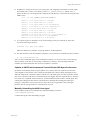
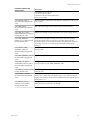
For more information about the command line options and descriptions, click Start | Run | msiexec or
visit http://www.microsoft.com.
You must specify optional parameters using UPPERCASE letters, following the required "/i" parameter.
Quotation marks are necessary only when a path includes spaces. For example, when one or more spaces
exist in the source file location and the INSTALLDIR parameter. The optional parameters can be specified
in any combination and order.
Disabling UAC for Agent Installation
The following steps are required only if you are installing the Agent on a Windows 2008 or Vista machine.
When installing the Agent on Windows 2008 or Vista, you must disable the User Account Control (UAC),
install the Agent, and then re-enable the UAC.
Disabling UAC on One Machine
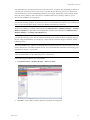
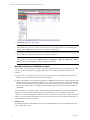
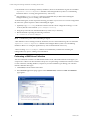
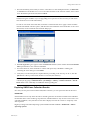
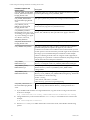
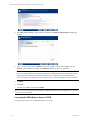
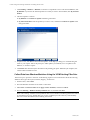
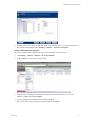
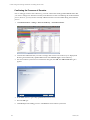
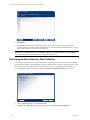
1. On the target Windows 2008 machine, click Start | Run. The Run dialog box appears.
2. Type msconfig in the Open text box.
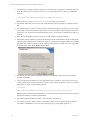
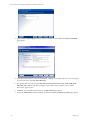
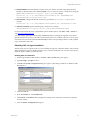
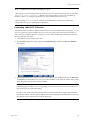
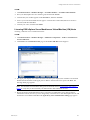
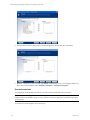
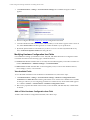
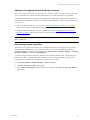
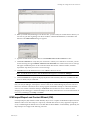
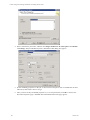
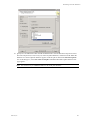
3. Click OK. The System Configuration dialog box appears. (This dialog box differs for Windows 2008
R2 machines.)
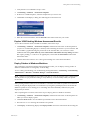
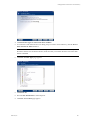
4. Click the Tools tab.
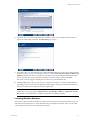
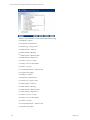
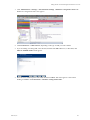
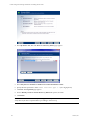
5. In the Tool Name list, select Disable UAC.
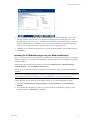
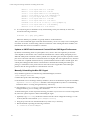
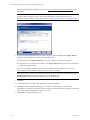
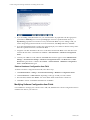
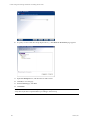
6. Click Launch. A Command window displays the running action. When the command is completed,
close the window.
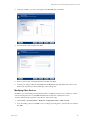
7. Close the System Configuration dialog box.
VMware, Inc.
65