1
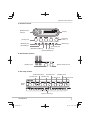
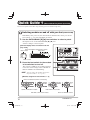
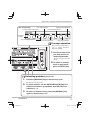
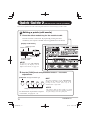
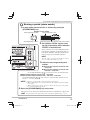
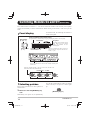
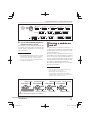
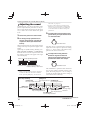
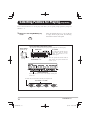
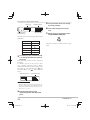
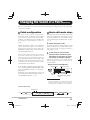
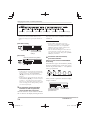
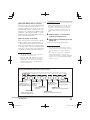
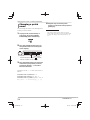
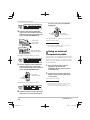
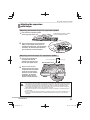
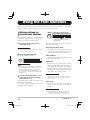
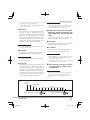
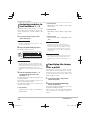
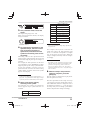
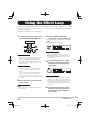
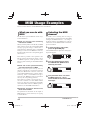
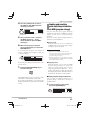
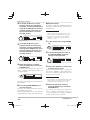
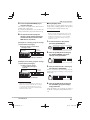
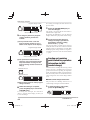
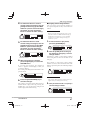
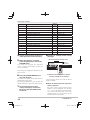
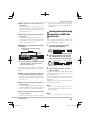
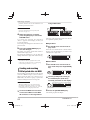
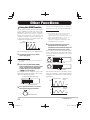
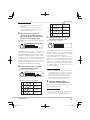
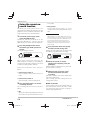
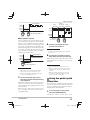
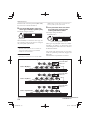
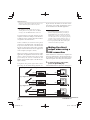
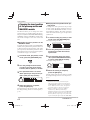
Switching Modules On and Off (Manual Mode) The condition where foot switches 1 – 4 are used to switch the modules in the currently selected patch on and off individually is called "manual mode". When turning on the B9.1ut, it will start up in this mode. Panel display In manual mode, the following information is shown on the panel. Group name/Bank number/Patch number Bank number (0 – 9, A – J) Patch number (1 – 4) The group name "P" indicates the preset group, and the group name "U" the user group. Patch name "E" symbol <!) +YP]LKl i)`WZw4\[Lp)74 If a setting of the currently selected patch differs from the original setting, the indication "E" (for Edited) appears. Functions assigned to function Shows the operation that will be carried out when pressing the respective function foot foot switches 1 – 3 switch (→ p. 36). Effect module keys Keys for modules that are active in the currently selected patch are lit in red. When the module assigned to the foot switch is on, the LED is lit. When the module is off, the LED flashes. Foot switch 1 – 4 LEDs Foot switch 1 – 4 LEDs Selecting patches This section explains how to select patches in manual mode. 1. Make sure that the [MANUAL] key is lit. key will be lit and the B9.1ut will be in manual mode. If the key is out, press it so that it lights up. [MANUAL] key (lit) Immediately after power-on, the [MANUAL] 14 0804B9E.indb 14 ZOOM B9.1ut 08.4.25 10:57:31 AM