1
HP4402.book Page 35 Wednesday, November 29, 2000 4:46 PM
Power Meter Operation
Setting the Resolution
Setting the Resolution
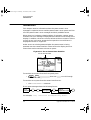
The resolution of each of the power meter’s windows can be set to four
different levels (1, 2, 3 or 4).
These four levels represent:
•
1, 0.1, 0.01, 0.001 dB respectively if the measurement suffix is
dBm or dB.
•
1, 2, 3 or 4 significant digits respectively if the measurement suffix
is W or %.
The default value is 0.01 dB (3 digits).
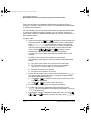
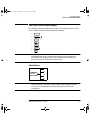
To set the resolution on the currently selected window:
1. Press Meas
Setup . The current setting of the resolution is highlighted
on the Resolution 1 2 3 4 softkey.
2. To change this setting press Resolution 1 2 3 4 until the
required resolution setting is highlighted.
Agilent E4418B User’s Guide
2-35