1
Back to Contents Page
Bluetooth Assembly
Dell™ Studio XPS™ 8000 Service Manual Removing the Bluetooth Assembly
Replacing the Bluetooth Assembly
WARNING: Before working inside your computer, read the safety information that shipped with your computer. For additional safety best
practices information, see the Regulatory Compliance Homepage at www.dell.com/regulatory_compliance.
WARNING: To guard against electrical shock, always unplug your computer from the electrical outlet before removing the cover.
WARNING: Do not operate your computer with any cover(s) (including computer covers, bezels, filler brackets, front-panel inserts, etc.)
removed.
CAUTION: Only a certified service technician should perform repairs on your computer. Damage due to servicing that is not authorized by Dell™ is not covered by your warranty.
Removing the Bluetooth Assembly
1.
Follow the procedures in Before You Begin.
2.
Remove the computer cover (see Removing the Computer Cover).
3.
Remove the front bezel (see Removing the Front Bezel).
4.
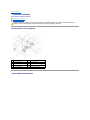
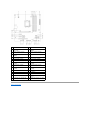
Disconnect the Bluetooth® assembly cable from the system board connector (see System Board Components).
5.
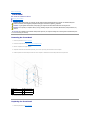
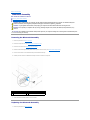
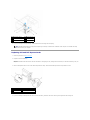
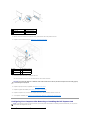
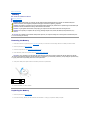
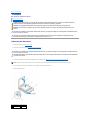
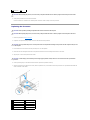
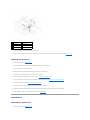
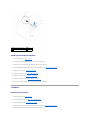
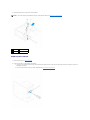
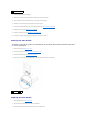
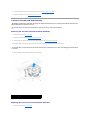
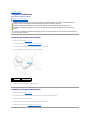
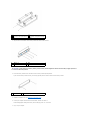
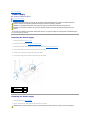
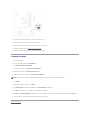
Press the tab as shown in the illustration and pull the Bluetooth assembly.
6.
Carefully slide and remove the Bluetooth assembly out from the front of the computer.
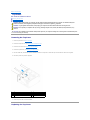
1
Bluetooth assembly
2
Bluetooth assembly tab
3
front panel
4
Bluetooth assembly cable
7.
Set the Bluetooth assembly aside in a secure location.
Replacing the Bluetooth Assembly
1.
Follow the procedures in Before You Begin.