1
RP6500 User’s Manual
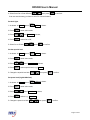
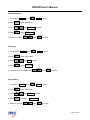
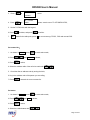
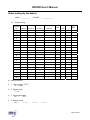
Set key tone:
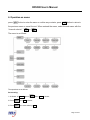
1.As shown: in CH
1 , press
2. Press
to enter select mode,
3. Press
/
4. Press
to select Off or On,
, utilities is shown.
, and Key Tone is shown,
5. Select On or Off with
/
, press
to confirm.
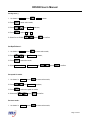
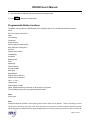
Set Rptr/Talkarnd:
1.As shown: in CH
1 , press
2. Press
/
, and Rptr/Talkarnd is shown,
3. Press
to select the mode,
to enter select mode,
4. Select Repeater Mode or Talkarnd mode with
/
, press
to confirm.
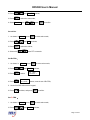
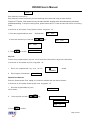
Set speak On mode:
1.As shown: in
CH
1 , press
to enter select mode,
2. Press
/
3. Press
to select the speak on mode,
4. Select with
, and Speak Mode is shown,
/
, press
to confirm.
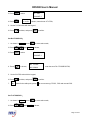
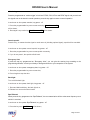
Set zone mode:
1.As shown: in
CH
1 , press
to enter select mode,
Page 13 of 31