1
AXIS 292 - Network - TCP/IP
Network - TCP/IP
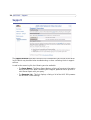
This section lists and describes the tools for configuring the TCP/IP network settings on the
AXIS 292.
The product cannot be configured before it is installed. If you have not yet completed the
installation, please refer to Installing the AXIS 292, on page 9.
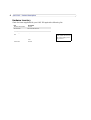
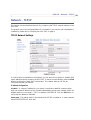
TCP/IP Network Settings
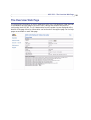
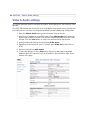
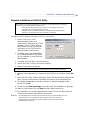
If a DHCP server is available on the network, you can allow this to assign IP address, DNS
server address and host names to the AXIS 292. To see the current settings, press the View
buttons to the right of each DHCP radio button. The network settings can also be
configured manually as follows:
IP Address Configuration
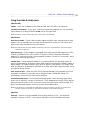
IP Address - A unique IP address for your server is required to establish communication
with your network. Written as four numbers separated by periods, each number within the
address must be in the range 0 - 255. For example: 192.168.1.90. Click the Test button to
verify that the address is available.
Subnet Mask - The subnet mask for the subnet the AXIS 292 is located on. In most cases the
value 255.255.255.0 will work well.
19