1
90
CHAPTER 6: UPGRADING SOFTWARE
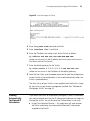
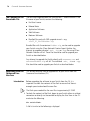
Load File name:
Switch IP address:
Server IP address:
FTP User Name:
FTP User Password:
3 Enter the file name, Switch IP address, Server IP address, FTP user name
and password to display the following:
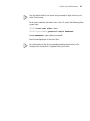
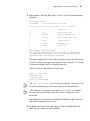
Are you sure to update your bootrom? Yes or No(Y/N)
4 Enter y and the following information is displayed to indicate the file is
downloading:
Attached TCP/IP interface to netdrv0
Attaching network interface Io0...done
Loading.................................
...............done
Bootrom updating............done!
Bootrom Upgrade via
XModem
To upgrade the bootrom firmware from the Boot menu via XModem, do
the following:
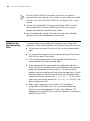
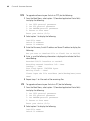
1 From the Boot Menu, select option 6 to display the following:
1.
2.
3.
0.
Set TFTP protocol parameter
Set FTP protocol parameter
Set XMODEM protocol parameter
Return to boot menu
Enter your choice (0-3):
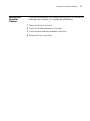
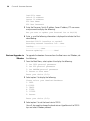
2 Select option 3 to display the following:
Please select your download baudrate:
1. 9600
2.*19200
3. 38400
4. 57600
5. 115200
0. Return
Enter your choice (0-5):
3 Select option 2 to set the baud rate to 19200.
You will also need to change the baud rate on HyperTerminal to 19200
bps and select XModem protocol.