1
4
Flash/File Commands
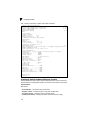
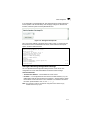
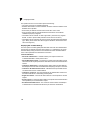
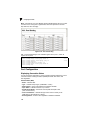
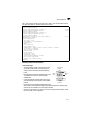
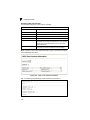
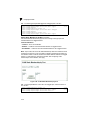
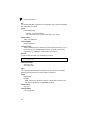
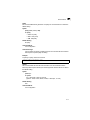
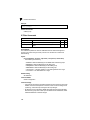
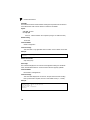
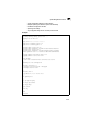
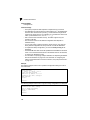
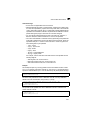
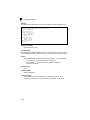
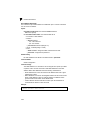
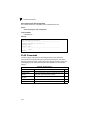
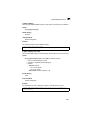
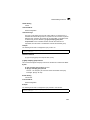
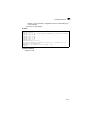
The following example shows how to download a configuration file:
Console#copy tftp startup-config
TFTP server ip address: 10.1.0.99
Source configuration file name: startup.01
Startup configuration file name [startup]:
Write to FLASH Programming.
\Write to FLASH finish.
Success.
Console#
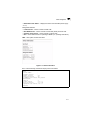
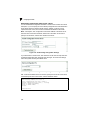
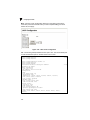
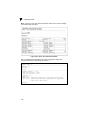
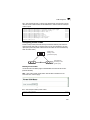
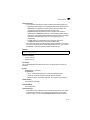
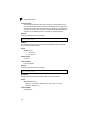
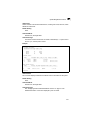
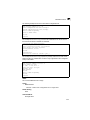
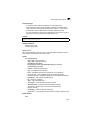
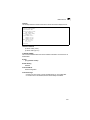
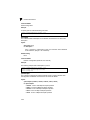
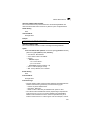
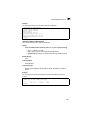
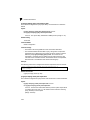
This example shows how to copy a secure-site certificate from an TFTP server. It
then reboots the switch to activate the certificate:
Console#copy tftp https-certificate
TFTP server ip address: 10.1.0.19
Source certificate file name: SS-certificate
Source private file name: SS-private
Private password: ********
Success.
Console#reload
System will be restarted, continue <y/n>? y
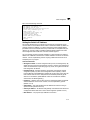
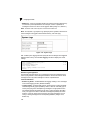
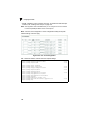
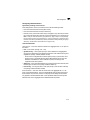
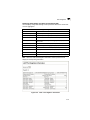
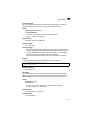
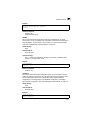
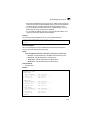
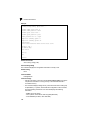
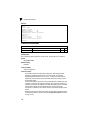
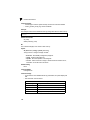
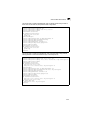
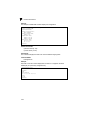
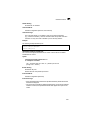
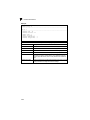
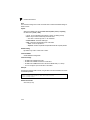
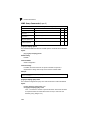
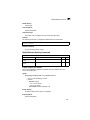
This example shows how to copy a public-key used by SSH from an TFTP server.
Note that public key authentication via SSH is only supported for users configured
locally on the switch:
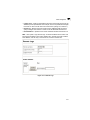
Console#copy tftp public-key
TFTP server IP address: 192.168.1.19
Choose public key type:
1. RSA: 2. DSA: <1-2>: 1
Source file name: steve.pub
Username: steve
TFTP Download
Success.
Write to FLASH Programming.
Success.
Console#
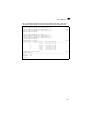
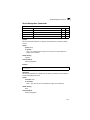
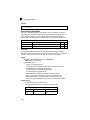
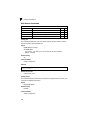
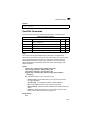
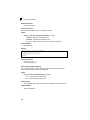
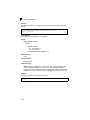
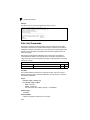
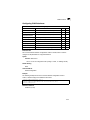
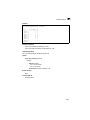
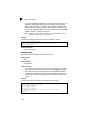
delete
This command deletes a file or image.
Syntax
delete filename
filename - Name of the configuration file or image name.
Default Setting
None
Command Mode
Privileged Exec
4-65