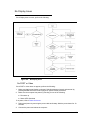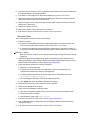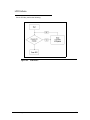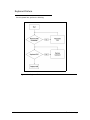
1
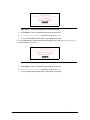
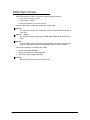
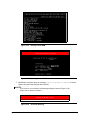
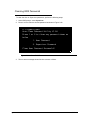
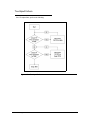
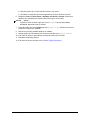
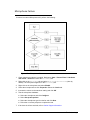
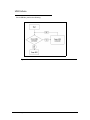
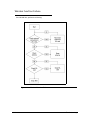
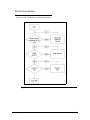
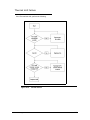
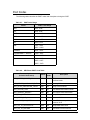
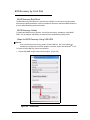
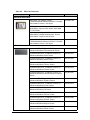
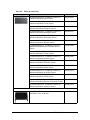
2. Type current password in Enter CurrentPassword field and press Enter. 3. Press Enter twice without typing anything in Enter NewPassword and Confirm NewPassword fields. Computer will set Supervisor Password parameter to Clear. 4. Press F10 to save changes and exit the BIOS Setup Utility. Changing a Password 0 1. Use the and keys to highlight Set Supervisor Password and press Enter. The Set Supervisor Password dialog is shown. (Figure 2-8) Figure 2-8. Changing a Password: Set Supervisor Password 2. Type current password in Enter CurrentPassword field and press Enter. 3. Type new password in Enter NewPassword field and press Enter. 4. Retype new password in Confirm NewPassword field and press Enter. 5. If new password and confirm new password strings match, The Setup Notice dialog is shown (Figure 2-9). If it is not shown, go to step 6. Figure 2-9. Changing a Password: Setup Notice a. Press Enter to return to the BIOS Setup Utility Security menu. b. The Supervisor Password parameter is shown as Set. c. Press F10 to save changes and exit BIOS Setup Utility. 6. If current password and new password strings do not match, the Setup Warning dialog is shown (Figure 2-10). If it is not shown, go to step 7. System Utilities 2-11