1
GM Enhanced (OBD II) Diagnostics
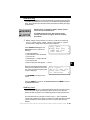
View Freeze Data
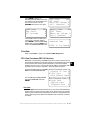
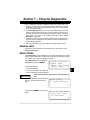
When an emission-related fault occurs, certain vehicle conditions are recorded
by the on-board computer. This information is referred to as a Freeze Frame
data. The information is a “snapshot” of the operating conditions at the time of
a fault. This data can be overwritten by faults with a higher priority.
✓
Only one Freeze Frame can be kept per module. Switching from Engine
to Transmission will overwrite Data. Make sure to print data before
selecting a diffrent module.
✓
If codes were erased, then freeze frame data may not be stored in vehicle
memory.
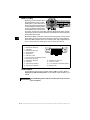
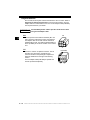
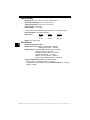
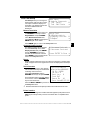
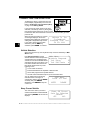
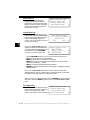
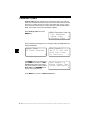
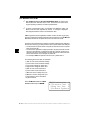
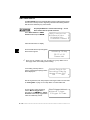
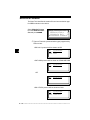
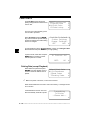
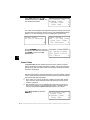
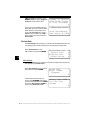
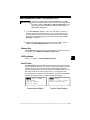
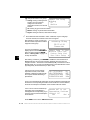
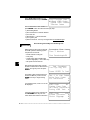
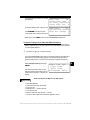
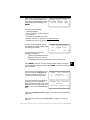
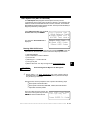
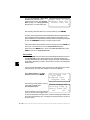
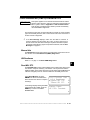
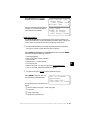
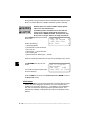
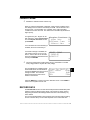
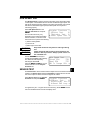
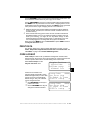
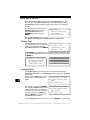
Select View Freeze Data and press
ENTER. A vehicle can store more than
one Freeze Frames or Failure records.
Use the UP/DOWN arrow keys to select
a DTC.
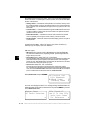
Freeze Data for:
` P0107(Frz Frame)
P0405(Failure Rec) [
P1604(Failure Rec) ~
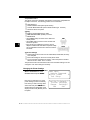
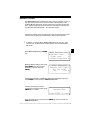
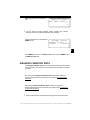
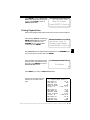
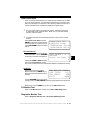
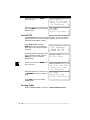
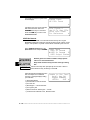
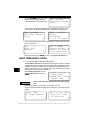
DTC Definition(s)
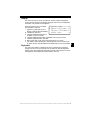
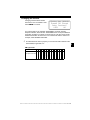
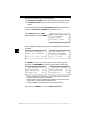
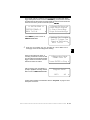
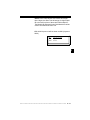
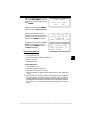
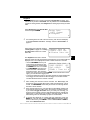
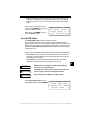
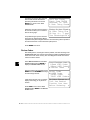
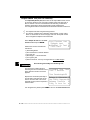
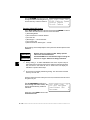
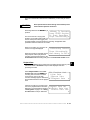
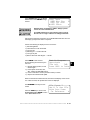
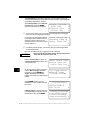
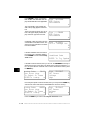
Pressing the RIGHT arrow key displays
the DTC definition. Use the UP/DOWN
arrow keys to view each DTC definition.
P0107 Mod$10 1 of 4
MAP/BARO
Circuit Low Input
[
~
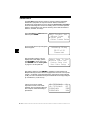
Pressing the BACK or LEFT arrow key
exits to the Freeze Data for: screen.
The cursor is positioned in front of the last DTC definition viewed before exiting.
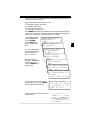
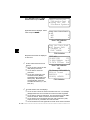
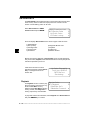
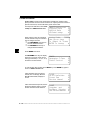
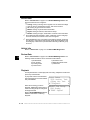
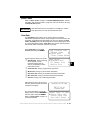
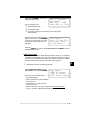
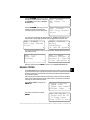
Fault Data
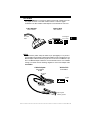
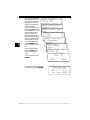
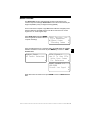
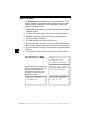
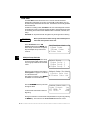
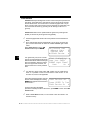
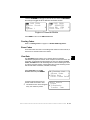
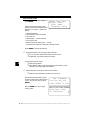
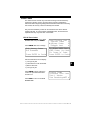
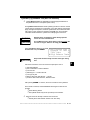
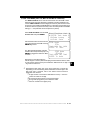
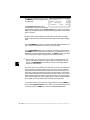
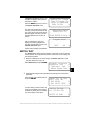
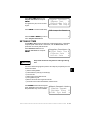
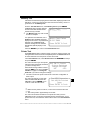
Select the Freeze Frame/Failure
Record and press the ENTER key to
display the PIDs recorded at the time of
the fault.
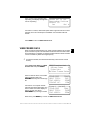
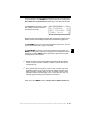
FAIL REC DTC
LOOP STATUS
CALC LOAD(%)
ECT( F)
o
PO405
N/A
0.0[
-40.0~
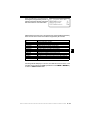
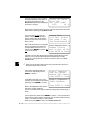
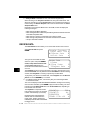
Use the UP/DOWN arrow keys to move
through the list. The LEFT/RIGHT arrow keys page Up/Down through the list.
When done, press the FUNC key to return to the GM Function List.
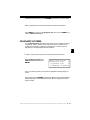
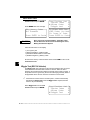
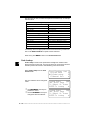
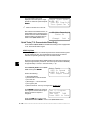
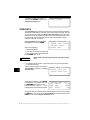
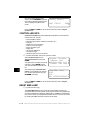
O2 Monitor Test
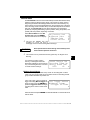
Refer to “O2 Monitor Test” on page 4-8 of Global OBDII Diagnostics.
Diagnostic Monitor Test
Refer to Diagnostic Monitor Test of the Global OBDII Diagnostics.
• • • • • • • • • • • • • • • • • • • • • • • • • • • • • • • • • • • • • • • • • • • • • • • • • • • • • • • • 5 – 15
5