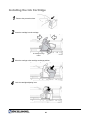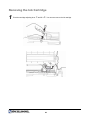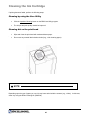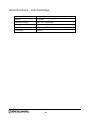
1
Stop/Start button operation
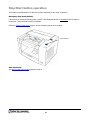
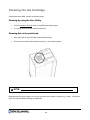
The scanner Stop/Start Button has different functions depending on the mode of operation.
Emergency Stop mode (default)
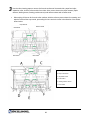
If the scanner is running and feeding paper, press the blue Stop/Start button to immediately stop the paper in
the scanner. This is the default mode of operation.
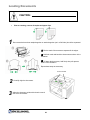
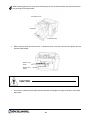
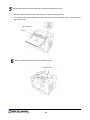
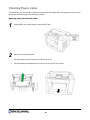
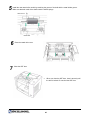
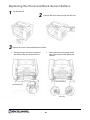
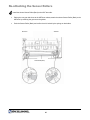
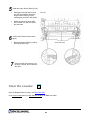
Follow the Clearing Paper Jams steps to remove the paper jammed in the scanner.
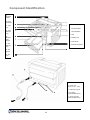
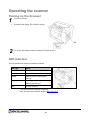
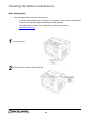
Stop/Start Button
Start Feed mode
See Wait for Start button mode description page 32.
30