1
S200.book Page 127 Saturday, September 22, 2001 2:20 PM
Printing Media
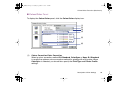
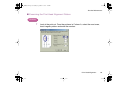
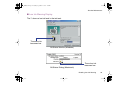
■ Printer Driver Settings
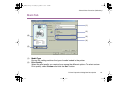
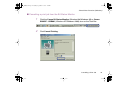
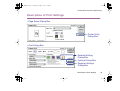
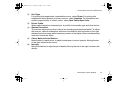
• Media Type:
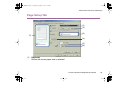
• Page Size:
T-Shirt Transfer
Ensure the setting matches the size set in the application.
■ Handling of Printed Output
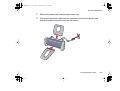
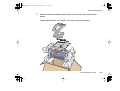
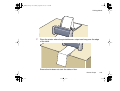
• Remove each T-shirt transfer as soon as it is printed.
• The T-shirt transfer should be used as soon as possible. Refer to the supplied
instructions for details on how to use the paper.
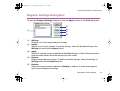
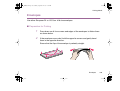
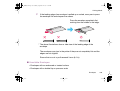
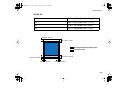
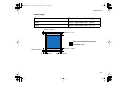
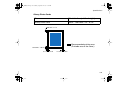
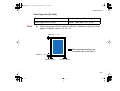
■ Printable Area
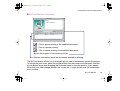
➡ Printing Area
T-Shirt Transfers TR-201
127