1
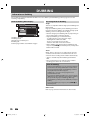
DUBBING
DVC to HDD / DVD Dubbing
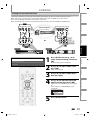
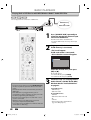
Before recording from DVC, refer to page 51 for
connection instructions.
Preparing for DV dubbing (DVC to HDD):
• Make sure your DVC is in video mode.
Preparing for DV dubbing (DVC to DVD):
• Insert a recordable DVD.
• Make sure your DVC is in video mode.
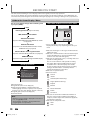
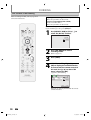
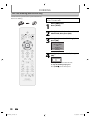
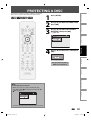
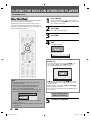
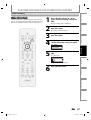
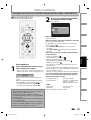
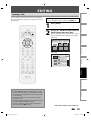
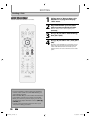
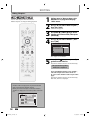
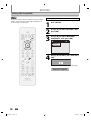
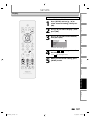
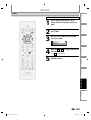
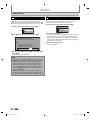
If you are dubbing to the HDD, press [HDD] first.
If you are dubbing to a disc, press [DVD] first.
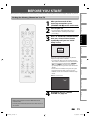
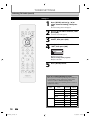
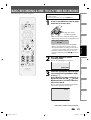
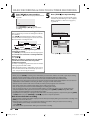
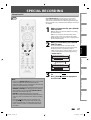
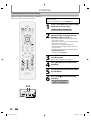
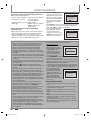
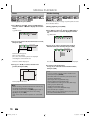
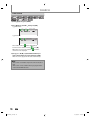
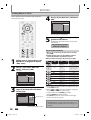
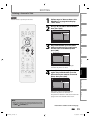
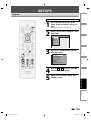
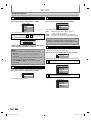
1
Use [SOURCE / USB] or [CH / ] to
select “E3 (DV-IN)” channel.
E3 (DV-IN)
AB-1234
0:00:00
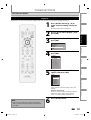
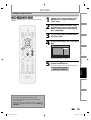
2
3
4
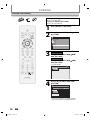
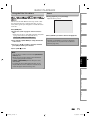
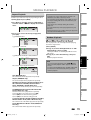
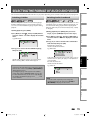
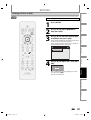
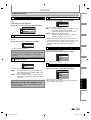
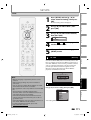
Press [REC MODE] to select a
recording mode.
(Refer to page 39.)
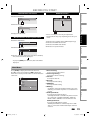
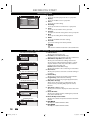
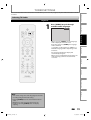
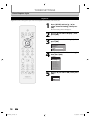
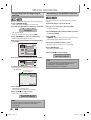
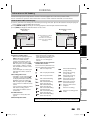
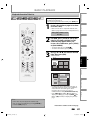
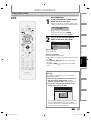
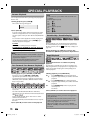
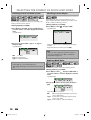
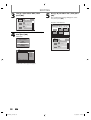
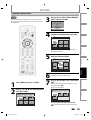
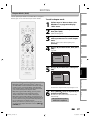
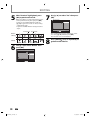
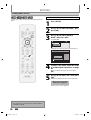
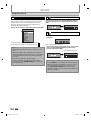
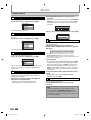
Press [INFO].
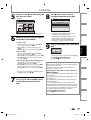
With “Control” highlighted, press
[OK] to display the available devices
to control with the remote control of
this unit. Use [K / L] to select “DV
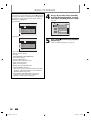
Input”, then press [OK].
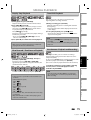
e.g.) DVC to DVD dubbing
1/ 1
HDD & DVD RECORDER
1/ 1
+RW
Control
DV Audio
Start Rec
DVD
Stereo1
E3 (DV-IN)
AB-1234
0:00:00
DVD SP
2h00m
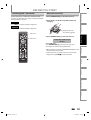
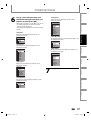
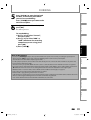
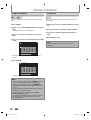
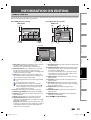
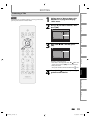
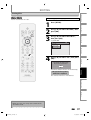
Now you can operate your DVC with the remote
control of this unit.
54
EN
E2H40UD_v4.indd 54
2008/06/02 13:35:20