1
Chapter 3: SAS Domain Manager Graphical User Interface | Devices Tab
3.7
Devices Tab
LSISAS6160 SAS Switch User Guide
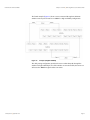
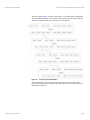
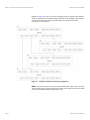
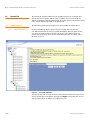
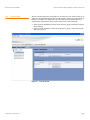
The Devices tab displays the topology of the current domain in the form of a tree. When
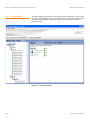
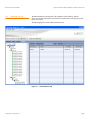
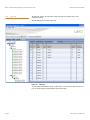
you select items on the tree, you access a secondary set of tabs, including Properties,
Environmentals, Attached Devices, and Phys. The tabs displayed on this row depend on
both the account type and the device selected in the tree. You can access an Operations
tab if you select an edge expander on the tree while using an admin account.
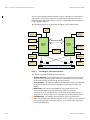
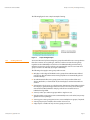
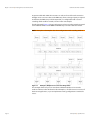
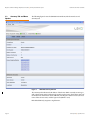
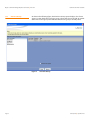
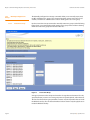
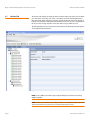
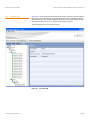
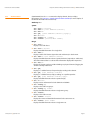
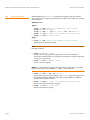
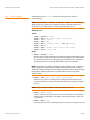
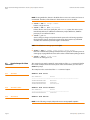
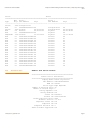
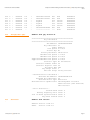
The following figure shows a device tree on the Devices tab. The Properties tab appears
on the right side of the window.
Figure 14:
Device Tree and Properties Tab
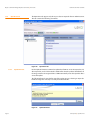
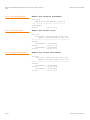
NOTE: In the SDM-CLI, the Device Type might be ZExpander, which means zoning
capable expander.
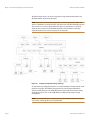
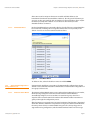
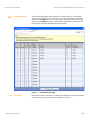
NOTE: If there is an active zone set, and if you click on an end device, all of the other end
devices with which it has permission to communicate appear in blue.
Page 50
LSI Corporation | September 2010