1
Testing CRCS
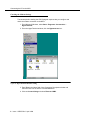
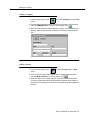
Editing Defaults
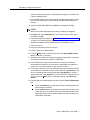
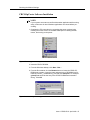
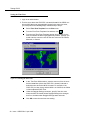
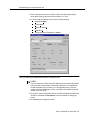
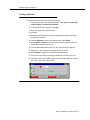
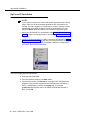
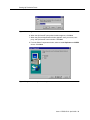
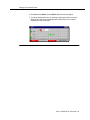
1. Select Defaults from the View menu.
2. From the View Defaults window, click
.
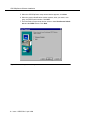
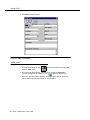
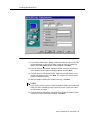
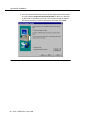
3. From the Edit Defaults window, be sure to select the correct time zone
under CRCSs Time Zone Template and MCU 1 as the Preferred MCU.
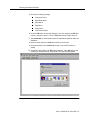
Adding a Test Conference
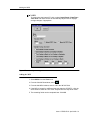
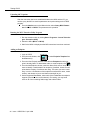
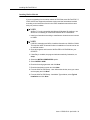
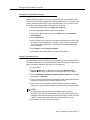
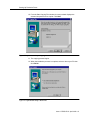
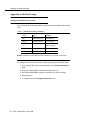
1. To test CRCS, click
the drop-down menu.
then select the Today’s Conference from
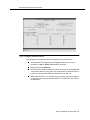
2. From the View Today’s Conferences window, click
.
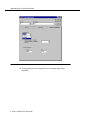
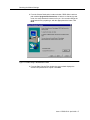
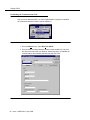
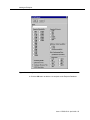
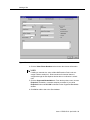
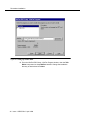
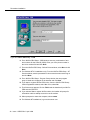
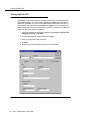
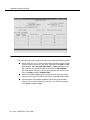
3. From the Add Conference window, complete the General tab window by
selecting the following items:
n
a convener
n
multipoint conference type
n
conference template or select Preferred Rates under
Speed Matching
n
start (current time for an immediate conference) and end time
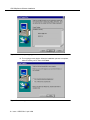
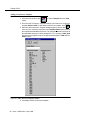
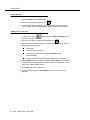
4. Highlight External-1 (or the site you added), Audio Add-on 1, and UCC (if
available) on the Qualifying Sites column and use the right arrow to move
them to the Selected Sites column.
5. Click OK to submit the conference.
6. On the MCU MT, perform a list conference to see if the conference
appears.
30
Issue 1 CRCS R6.0 April 1999