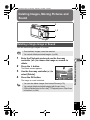
1
e_kb364.book Page 31 Monday, February 16, 2004 3:50 PM
Lens Closed Playback Mode
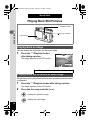
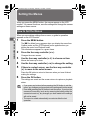
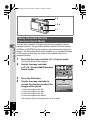
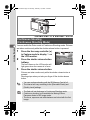
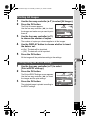
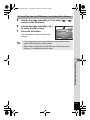
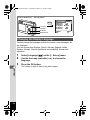
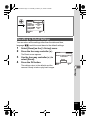
When the camera is turned on in the Lens Closed Playback mode, the
lens does not extend. Use this mode when you want to play back
pictures one after another.
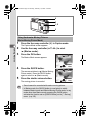
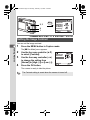
1
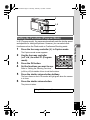
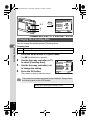
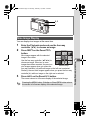
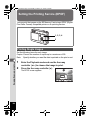
Press the power switch while pressing the Q Playback
button.
The power indicator lights green and the camera turns on in the Lens
Closed Playback mode.
• Hold down the Q Playback button for more than two seconds in
the Capture mode or press the Q Playback button in the Voice
Recording mode to switch to the Lens Closed Playback mode.
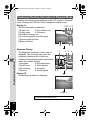
Playing Back Still Pictures 1p.28
Voice Recording Mode
3
Common Operations
• Press the Q Playback button to extend the lens and switch to the
Capture mode.
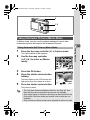
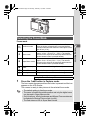
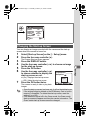
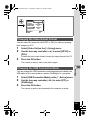
You can use the camera as a voice recorder.
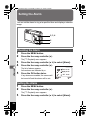
There are two ways to activate the Voice Recording mode.
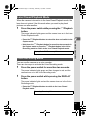
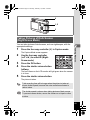
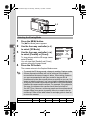
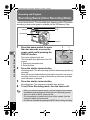
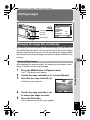
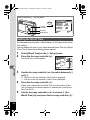
1
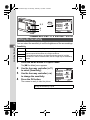
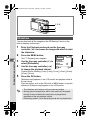
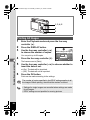
Press the power switch for more than two seconds.
The power indicator lights green and then changes to red, and the
camera turns on in the Voice Recording mode.
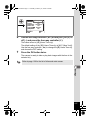
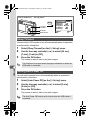
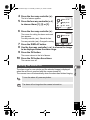
1
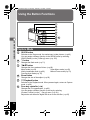
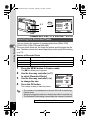
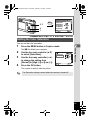
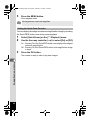
Press the power switch while pressing the DISPLAY
button.
The power indicator lights red and the camera turns on in the Voice
Recording mode.
• Press the Q Playback button to switch to the Lens Closed
Playback mode.
Recording Sound 1p.86
31