1
Graphing
Chapter 4
k Trace
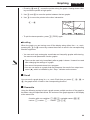
With trace, you can move a flashing pointer along a graph with the f, c, d, and
e cursor keys and obtain readouts of coordinates at each point. The following
shows the different types of coordinate readouts produced by trace.
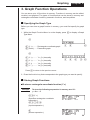
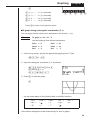
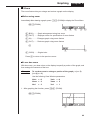
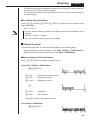
• Rectangular Coordinate Graph
• Parametric Function Graph
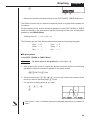
• Inequality Graph
u To use trace to read coordinates
Example
To determine the points of intersection for graphs produced by
the following functions:
Y1: y = x2 – 3
Y2: y = –x + 2
Use the following View Window parameters.
Xmin
= –5
Ymin
= –10
Xmax = 5
Ymax = 10
Xscl
Yscl
= 1
=
2
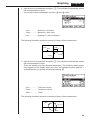
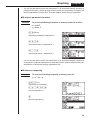
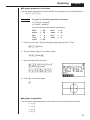
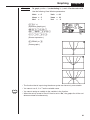
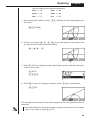
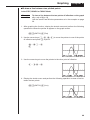
1. After drawing the graphs, press 1 (TRCE) to make the pointer appear at the far
left of the graph.
1(TRCE)
• The pointer may not be visible on the graph when you press 1 (TRCE).
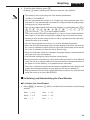
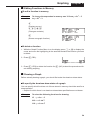
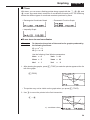
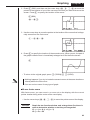
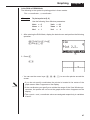
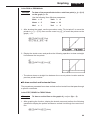
2. Use e to move the pointer to the first intersection.
e~e
x/ y coordinate values
59