1
Where To?
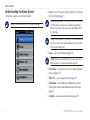
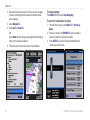
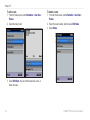
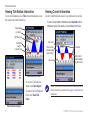
3. Select the marine service item to which you want to navigate.
A screen containing information about the selected marine
service appears.
4. Select Navigate To.
5. Select Go To or Route To.
OR
Select Guide To when using a preprogrammed BlueChart g2
Vision card to use Auto Guidance.
6. Follow the colored line on the screen to the destination.
20
To stop navigating:
Press MENU, and then select Stop Navigating.
To search for a destination by name:
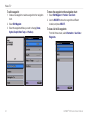
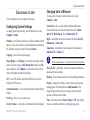
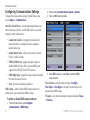
1. From the Home screen, select Where To? > Search by
Name.
2. Press up or down on the ROCKER to select a number or
character; press left or right to move fields.
3. Press SELECT to view the 50 nearest destinations that
contain your search criteria.
GPSMAP® 500 Series Owner’s Manual