1
Using AV COMPU LINK Control System
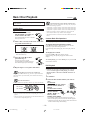
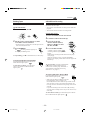
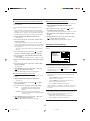
The AV COMPU LINK control system allows you to use
JVC’s TV with simple operations.
To use AV COMPU LINK control system, you need to
connect this unit and a TV through the AV COMPU LINK
terminals.
• You can connect a TV that have AV COMPU LINK II or
AV COMPU LINK EX terminals.
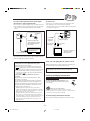
AV COMPU LINK Connection
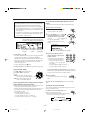
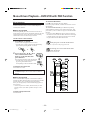
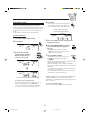
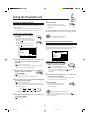
Connect a TV by using a video cord (see page 9) then also
connect it by using a cord with monaural mini-plugs (not
supplied).
• You need to set “AV COMPULINK MODE” correctly to
use AV COMPU LINK control system (see page 36).
Available operations
You can use following functions by using AV COMPU LINK
control system.
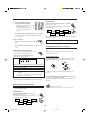
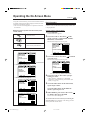
Automatic power on/off
The connected TV turns on and off along with this unit.
When you turn on the unit the connected TV automatically
turns on and changes the input mode to the appropriate
position. Also when you turn off the unit, the connected TV
automatically turns off.
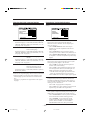
One-touch disc play
Simply by inserting or playing back a disc, you can enjoy the
playback view on the TV without setting other switches
manually.
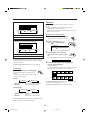
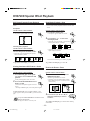
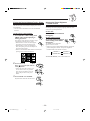
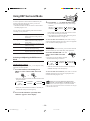
TV
AV COMPU LINK
AV
COMPU LINK II
or
AV
COMPU LINK EX
Set the “AV COMPULINK MODE” to
• “DVD 1” when connecting this unit to the COMPONENT
VIDEO or INPUT-2 terminals on a TV.
• “DVD 2” when connecting this unit to the INPUT-1
terminals on a TV.
• “DVD 3” when connecting this unit to the INPUT-2
terminals on a TV.
– 42 –
EN38-50.MX-DVA9[J,C]_f
42
01.7.3, 3:13 PM