1
Chapter 6
6.2 How to Program the MSI Radio
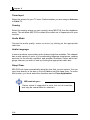
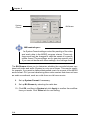
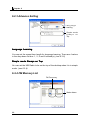
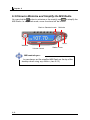
You may encounter some problems in receiving stations when first launching the MSI Radio. That is not the bug of the MSI Radio. Because the broadcast frequency range may vary in different countries, you are probably unable
to receive the interference-free quality broadcasts. Please click the setting
to solve the problems.
icon
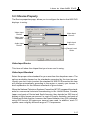
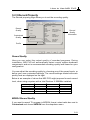
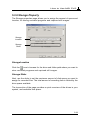
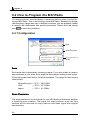
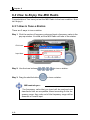
6.2.1 Configuration
Area
Scan Precision
Frequency
Scale
Area
Each area has its proprietary frequency range. If you are unable to receive
some stations in your area, there might be the inporper setting in this option.
Check the porper radio box to correct the problem. The range for each area is
listed below:
Others(Europe) --- 87.5 ~ 108.0 MHz
USA
--- 87.9 ~ 107.9 MHz
Japan
--- 76.0 ~ 91.0 MHz
Scan Precision
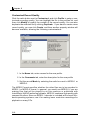
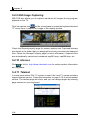
The scan precision is the threshold for your MSI Radio to determine whether
it should receive a station. The higher the scan precision is set, the less
stations will be received for many stations with weak signal are skipped
automatically.
6-6