1
Reconstructing TCP Sessions
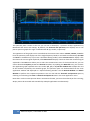
This tool allows you to view the TCP conversation between two hosts. To reconstruct a TCP session, you
should first select a TCP packet on the Packets tab. Depending on the settings (the Search for the session
start when reconstructing TCP sessions box in Settings => Options => Decoding), the session will be
reconstructed from the selected packet that may be in the middle of the "conversation" or from the
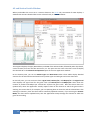
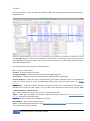
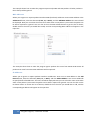
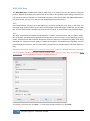
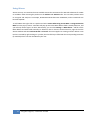
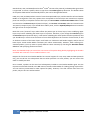
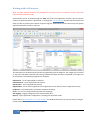
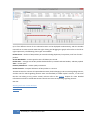
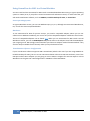
session start. After you locate and select the packet, right-click on it and select Reconstruct TCP Session
from the pop-up menu as shown below:
Reconstructing sessions works best for text-based protocols, such as POP3, Telnet, or HTTP. Of course,
you can also reconstruct a download of a large zipped file, but it can take CommView for WiFi a long time
to reconstruct several megabytes of data, and the obtained information would be useless in most of the
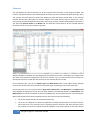
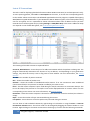
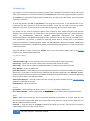
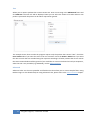
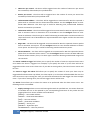
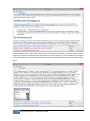
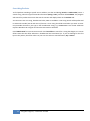
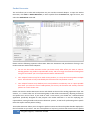
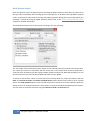
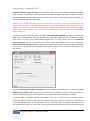
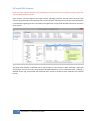
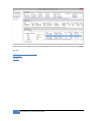
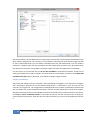
cases. The Contents tab displays the actual session data, while the Session Analysis tab graphically
displays the flow of the reconstructed TCP session.
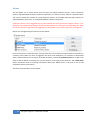
A sample HTTP session that contains HTML data displayed in ASCII and HTML modes is shown below:
38
Using the Program | CommView for WiFi