1
Settings
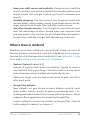
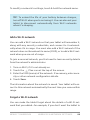
To change Gesture Typing settings, go to go to Settings > Language & input > Keyboard & input methods > Android keyboard. Then touch Settings and
look under Gesture Typing.
Use keyboard dictionaries
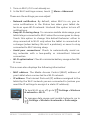
To manage keyboard dictionaries, go to Settings > Personal >
Language & input.
Personal dictionary
You can add your own words to your personal dictionary so that
your tablet remembers them. Touch the Add icon to add a word
or phrase, as well as a shortcut to easily use that word or phrase.
Add-on dictionaries
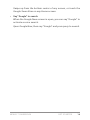
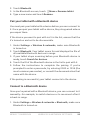
1. Touch the Settings icon next to Android keyboard.
2. Touch Add-on dictionaries.
You’ll see dictionaries for other languages that you can download to your device.
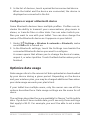
3. Touch the dictionary you want, then touch Install.
NEXUS 7 GUIDEBOOK USE THE KEYBOARD
32