1
Setting the telephone
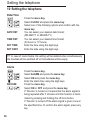
10 Setting the telephone
Date/Time
/
/
DATE FMT
TIME FMT
SET TIME
SET DATE
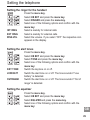
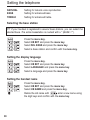
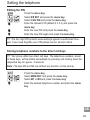
Press the menu key.
Select CLOCK and press the menu key.
Select one of the following options and confirm with the
menu key:
You can select your desired date format:
(DD-MM-YY or MM-DD-YY).
You can select your desired time format:
(24 hours or 12 hours).
Enter the time using the digit keys.
Enter the date using the digit keys.
☞ In case of mains failure this setting will be deleted when simultaneously
the handset will be switched off or the batteries will be empty.
Alarm
/
/
SNOOZE
/
28
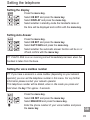
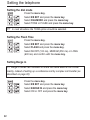
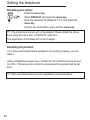
Press the menu key.
Select ALARM and press the menu key.
Select ON and press the menu key.
Enter the alarm time using the digit keys.
Press the menu key.
Select ON or OFF and press the menu key.
If “Snooze“ is turned on it means that the alarm signal is
being repeated after 7 minutes until this function is terminated by pressing and holding the off hook button.
If “Snooze“ is turned off the alarm signal is given once at
the specified time. To confirm the alarm signal, press any
key.