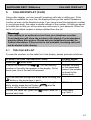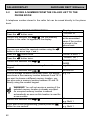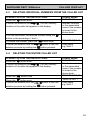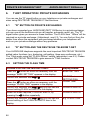
1
AUDIOLINE DECT 3000micro
8.2
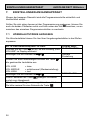
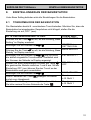
BASE STATION SETTINGS
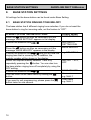
BASE STATION RINGING TONE VOLUME
Use this setting to select the right volume for the ringing tone at the base station.
There are 9 different volume levels available.
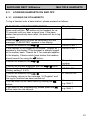
PLEASE FOLLOW THE INSTRUCTIONS:
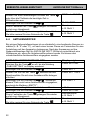
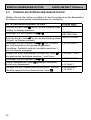
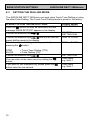
Press the
button as often as necessary until the
message “BASE SETTING” appears in the display.
Confirm the selection with
.
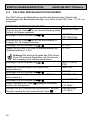
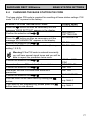
Press the
button as often as necessary until the
message “BASE VOLUME” appears in the display.
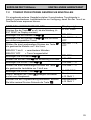
Confirm the selection with
and you will hear the
ringing tone at the volume currently set. In addition, the
volume level between 1 and 9 will be shown in the
display.
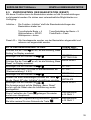
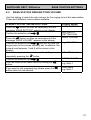
Select the required volume between 1 and 9 by
button.
repeatedly pressing the
Confirm the selection with
.
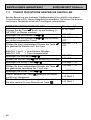
You can return to the main menu by holding the
button.
If you want to exit programming, please press the
button twice for one second.
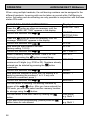
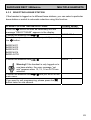
Display shows:
BASE SETTING
WAITING =>
SETTING DIAL
BASE VOLUME
e.g. VOLUME 6
VOLUME 1 to 9
BASE VOLUME
User name
e.g. Multi 1
User name
e.g. Multi 1
75