1
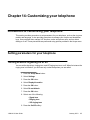
Setting parameters for your telephone
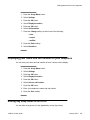
Setting the ringing tone melody
You can assign different melodies to incoming calls (internal, external, VIP and partner / line).
1. Press the Avaya Menu button.
2. Select Settings.
3. Press the OK button.
4. Select Display/Acoustics.
5. Press the OK button.
6. Select Set acoustics.
7. Press the OK button.
8. Select Select ringer melody.
9. Press the OK button.
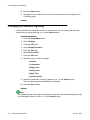
10. Select the call type you want to change.
• Internal calls
• External calls
• VIP calls
• Partner/Line
11. Press the OK button.
12. Select the melody you want.
13. Press the OK button.
The new ringing melody is played.
Note:
You can change the melody’s playback speed under Set melody.
Related topics:
Introduction to handling calls on page 19
1408/1416 User Guide
January 2010
67