1
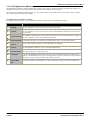
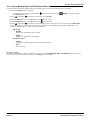
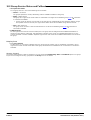
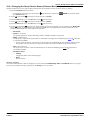
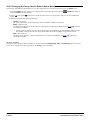
16.2.2 Changing the Group Service Status (Status Menu)
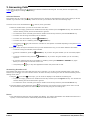
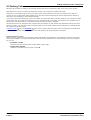
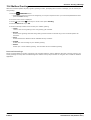
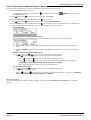
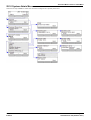
If the system administrator has allowed you, you can change the service state of a group through the Status menu.
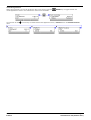
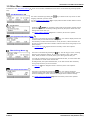
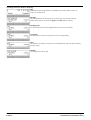
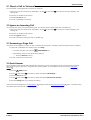
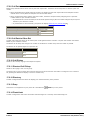
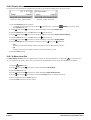
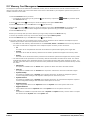
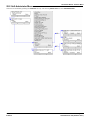
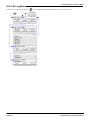
1. Press the Status soft key if shown. To access the status menu during a call, press the
press the Status soft key if shown.
2. Use the
status.
up and down
PHONE key and then
arrow keys to scroll the menu to the hunt group name and your current membership
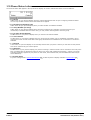
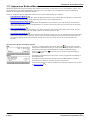
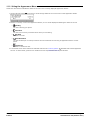
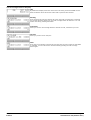
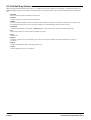
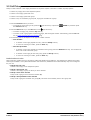
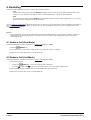
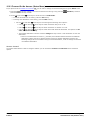
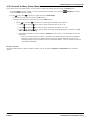
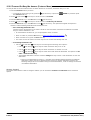
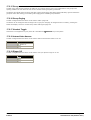
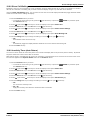
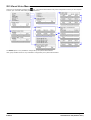
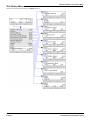
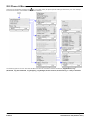
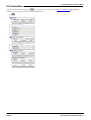
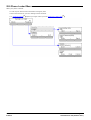
3. Select the required state using the soft keys:
· InServ = In Service
The groups operates a normal, distributing calls to available members of the group.
· Night = Night Service
The group is in night service mode. Calls are redirected to its night service fallback group if set
to voicemail if available.
113 ,
otherwise
· A hunt group can also be put into and out of night service automatically by the telephone system using a
time profile. If that is the case, the night service state cannot be overridden using manual controls.
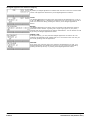
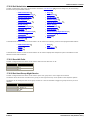
· OOS = Out of Service
The group is out of service. Calls are redirected to it out of service fallback group if set
voicemail if available.
113 ,
otherwise to
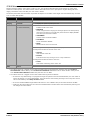
Access Control
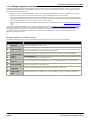
The system administrator is able to configure if you can access the Membership, State and Fallback options of a group.
If you are not configured for any groups then the Group menu is not shown.
1408, 1416 Phone User Guide
IP Office
Page 112
15-601040 Issue 04f (22 March 2011)