1
Troubleshooting Your AirSpeed 5000 or AirSpeed 5500
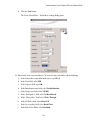
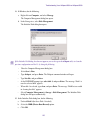
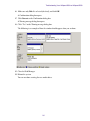
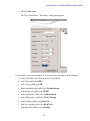
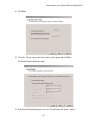
7. Type the local machine login credentials.
a.
In the User Name field, type amsuser.
b.
In the Password field, type is-admin.
c.
Click Login.
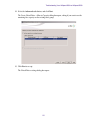
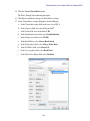
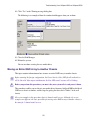
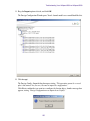
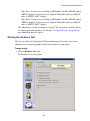
The LSI MegaRAID Storage Manager application opens.
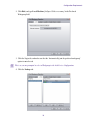
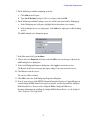
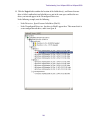
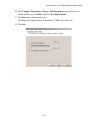
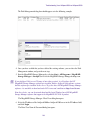
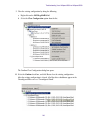
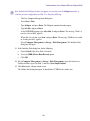
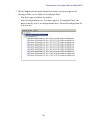
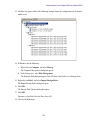
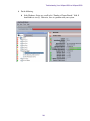
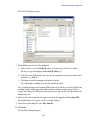
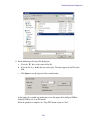
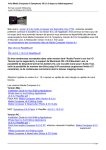
8. Click the Logical tab to confirm that the new drives you inserted appear in the Unconfigured
Drives tree.
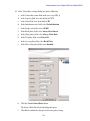
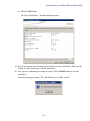
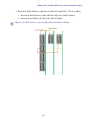
In the following example, note the following:
-
In the Drives tree, the failed drives (Slot: 4, and Slot: 7) are missing.
-
In the Unconfigured Drives tree, notice that the drives in Slot 4: and Slot: 7 appear there
as “Unconfigured Good”. This indicates that they are new un-configured media drives.
139