1
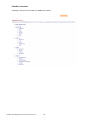
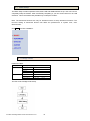
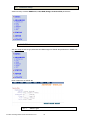
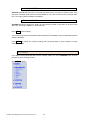
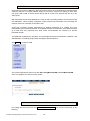
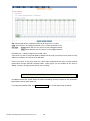
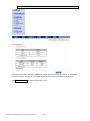
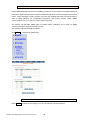
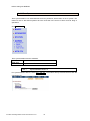
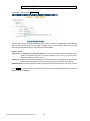
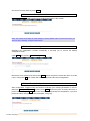
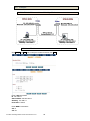
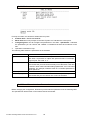
Choose the function and then press Finish
4.5.3.1
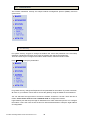
Load Factory Default
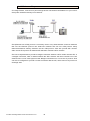
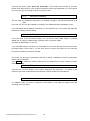
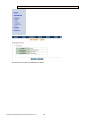
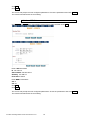
Load Factory Default: It will load the factory default parameters to the modem.
Note: This action will change all of the settings to factory default value. On the other hand, you
will lose all the existing configured parameters.
4.5.3.2
Restore Configuration
Sometime the configuration crushed occasionally. It will help you to recover the backup
configuration easily.
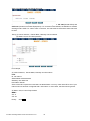
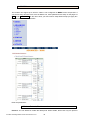
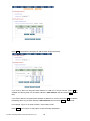
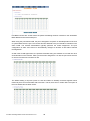
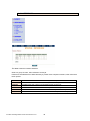
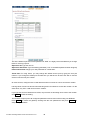
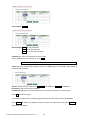
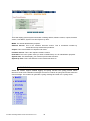
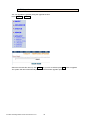
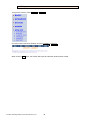
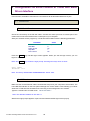
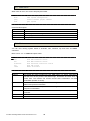
Click Finish after selecting Restore Configuration.
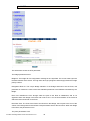
Browse the route of backup file then press Finish. Brower the place of restore file name or put the
name. Then press OK. The modem will automatically restore the saved configuration.
4.5.3.3
Backup Configuration
After configuration, suggest using the function to backup your modem parameters in the PC.
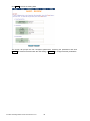
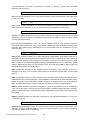
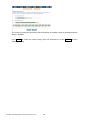
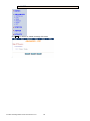
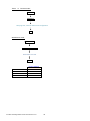
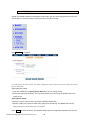
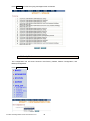
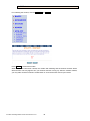
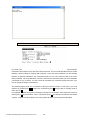
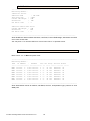
Select the Backup Configuration and then press Finish. Browse the place of backup file name or
put the name. Then press OK. The modem will automatically backup the configuration. If you don’t
put the file name, the system will use the default: config1.log
G.SHDSL.bis Bridge Modem 5210D User Manual V0.01
46