1
RUGGEDCOM ROS
Chapter 2
User Guide
Administration
Section 2.8
Data Storage
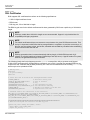
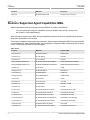
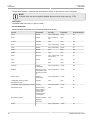
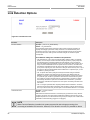
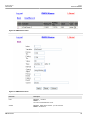
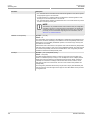
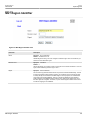
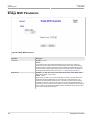
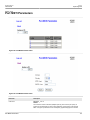
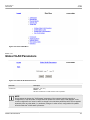
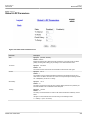
These parameters provide the ability to encrypt and password protect data in the CSV configuration file.
NOTE
Data encryption is not available in Non-Controlled (NC) versions of ROS.
When switching between Controlled and Non-Controlled (NC) versions of ROS , make sure data
encryption is disabled. Otherwise, the NC version of ROS will ignore the encrypted configuration file
and load the factory defaults.
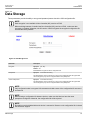
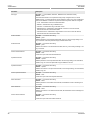
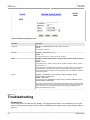
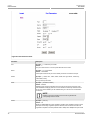
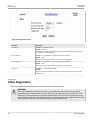
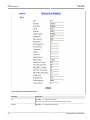
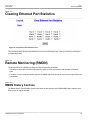
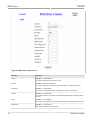
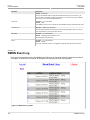
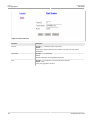
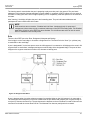
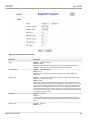
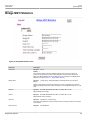
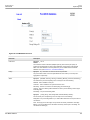
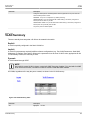
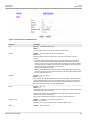
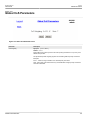
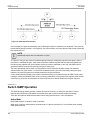
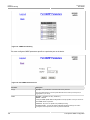
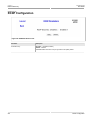
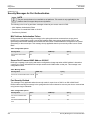
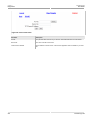
Figure 19: Data Storage Form
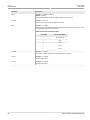
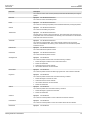
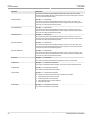
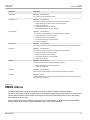
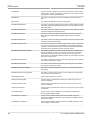
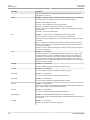
Parameter
Description
Encryption
Synopsis: { On, Off }
Default: Off
Enable/disable encryption of data in configuration file.
Passphrase
Synopsis: 31 character ascii string
This passphrase is used as a secret key to encrypt the configuration data. Encrypted data
can be decrypted by any device configured with the same passphrase.
Confirm Passphrase
Synopsis: 31 character ascii string
This passphrase is used as a secret key to encrypt the configuration data. Encrypted data
can be decrypted by any device configured with the same passphrase.
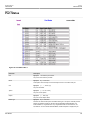
NOTE
Only configuration data is encrypted. All comments and table names in the configuration file are saved
as clear text.
NOTE
When sharing a configuration file between devices, make sure both devices have the same
passphrase configured. Otherwise, the configuration file will be rejected.
NOTE
Encryption must be disabled before the device is returned to Siemens or the configuration file is shared
with Customer Support.
Data Storage
45