1
Controlling Your TV with
the Supplied Remote
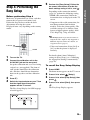
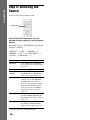
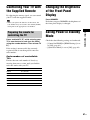
By adjusting the remote signal, you can control
your TV with the supplied remote.
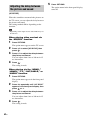
Changing the Brightness
of the Front Panel
Display
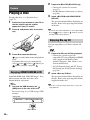
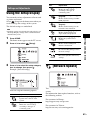
Press DIMMER.
• When you replace the batteries of the remote, the
code number may reset itself to the default (SONY)
setting. Reset the appropriate code number.
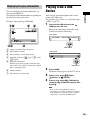
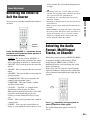
Press and hold TV "/1 while entering your
TV’s manufacturer’s code (see the table)
using the number buttons. Then release TV
"/1.
If the setting is unsuccessful, the currently
registered code is not changed. Re-enter the
code number.
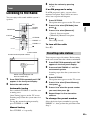
Saving Power in Standby
Mode
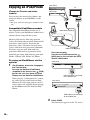
Check that the following settings are both made:
– [Control for HDMI] in [HDMI Settings] is set
to [Off] (page 61).
– [Quick Start Mode] is set to [Off] (page 62).
Other Operations
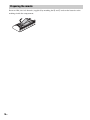
Preparing the remote for
controlling the TV
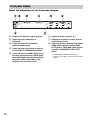
Each time you press DIMMER, the brightness of
the front panel display is changed.
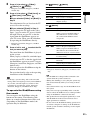
Code numbers of controllable
TVs
If more than one code number is listed, try
entering them one at a time until you find the
code that works with your TV.
Manufacturer
Code number
SONY
01 (default)
LG
05
PANASONIC
06
PHILIPS
02, 03, 07
SAMSUNG
02, 08
TOSHIBA
04
51GB