1
SECTION 3: SYSTEM SETUP
6.
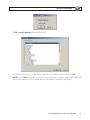
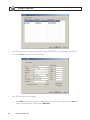
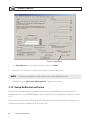
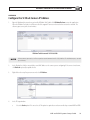
In the IP Device window, click a device name you want to add to the NVR/hDVR. In the example above, the first item is
selected. Click Next to open the IP Device Details window.
7.
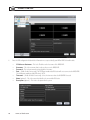
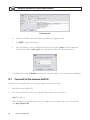
In the IP Details window, do the following:
a.
20
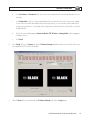
In the Name field, change the entry to a descriptive name for the camera. In the example above, the Name field
contains the default name for SC Black cameras, Black H264.
www.sc-black.com