1
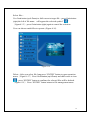
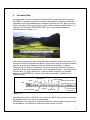
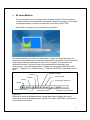
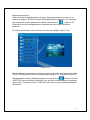
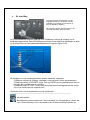
Select files :
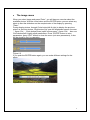
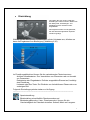
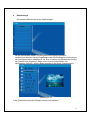
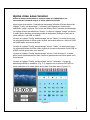
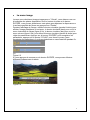
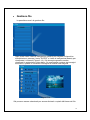
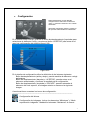
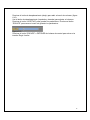
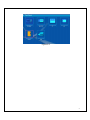
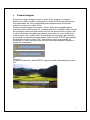
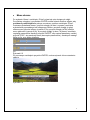
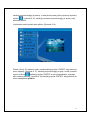
Use Circle button (up & Down) to shift cursor to target file,press Circle button
(right) the left of file name
will appear the selected symbol“ "
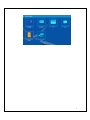
(figure6.15)
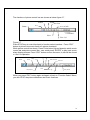
,press Circle button (right) again to cancel the selection.
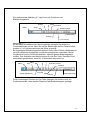
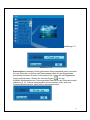
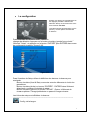
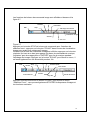
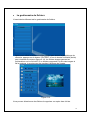
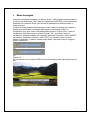
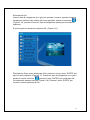
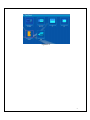
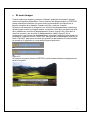
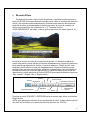
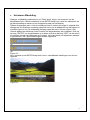
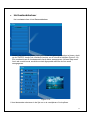
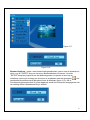
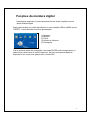
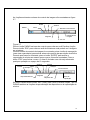
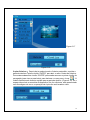
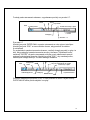
User can choose multi-files to operate. (Figure 6.16)
Figure 6.16
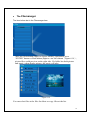
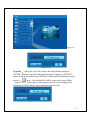
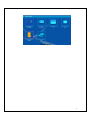
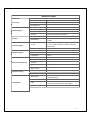
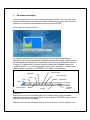
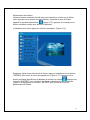
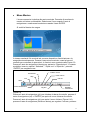
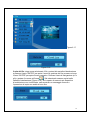
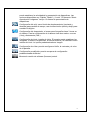
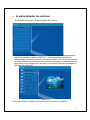
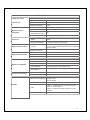
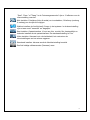
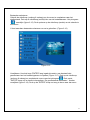
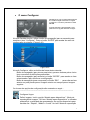
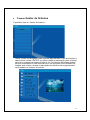
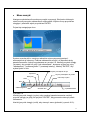
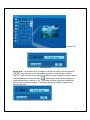
Delete : After you select file, long press “ENTER” button to open operation
menu.(Figure 6.17).Press Circle button (up & Down) and shift cursor to icon
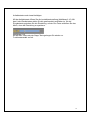
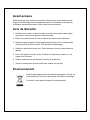
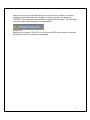
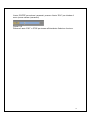
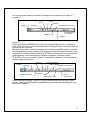
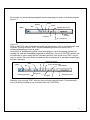
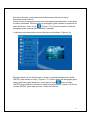
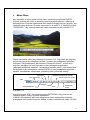
,press “ENTER” button to confirm, the selected files will be deleted.
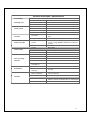
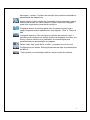
(figure 6.18) Press “ENTER” button return to file management menu.
15