1
Preparation before Use
1
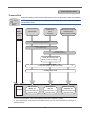
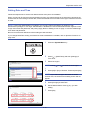
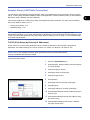
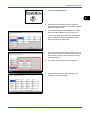
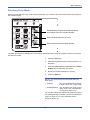
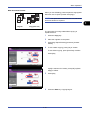
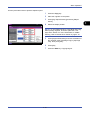
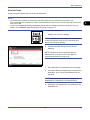
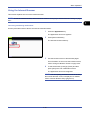
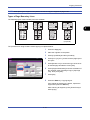
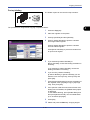
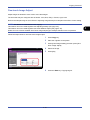
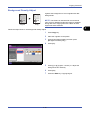
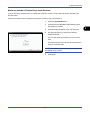
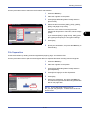
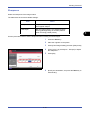
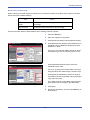
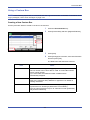
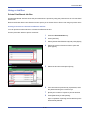
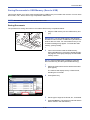
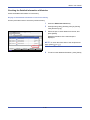
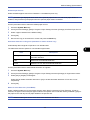
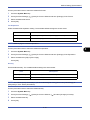
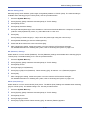
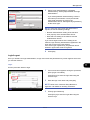
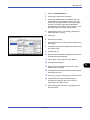
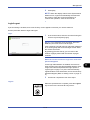
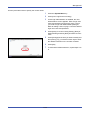
Press the System Menu key.
2
2
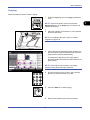
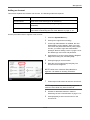
Press [Common Settings], [Next] of Original /
Paper Settings, [Next] of Cassette Setting.
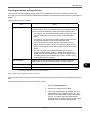
3
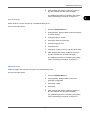
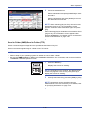
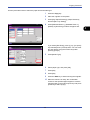
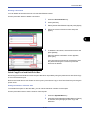
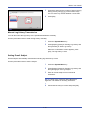
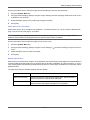
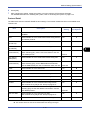
Cassette Setting, select one of [Cassette 1] to
[Cassette 4] and press [Next].
Then press [Change] of Paper Size.
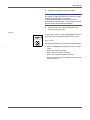
NOTE: [Cassette 3] and [Cassette 4] are shown when
the optional paper feeder is installed.
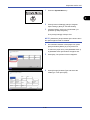
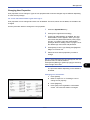
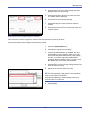
4
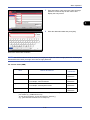
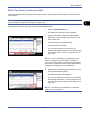
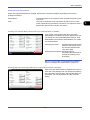
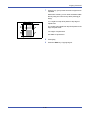
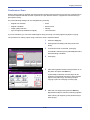
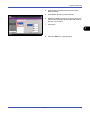
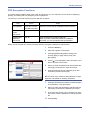
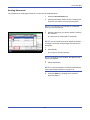
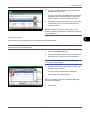
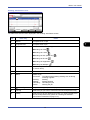
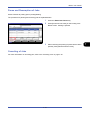
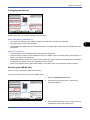
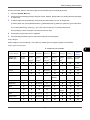
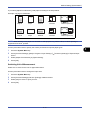
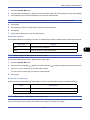
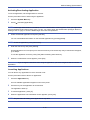
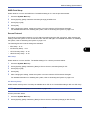
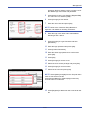
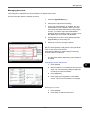
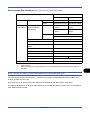
For automatic detection of the paper size, press
[Auto] and select [Metric] or [Inch] as the unit.
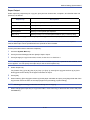
To select the paper size, press [Standard Sizes 1]
or [Standard Sizes 2] and select the paper size.
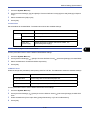
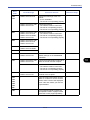
Common Settings - Paper Size
Set cassette paper size.
Auto
A3
A4
A4
A5
Standard
Sizes 1
B4
B5
B5
Folio
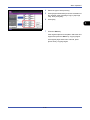
5
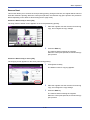
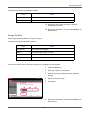
Press [OK]. The previous screen reappears.
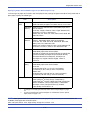
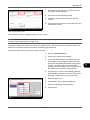
6
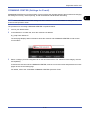
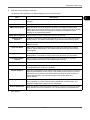
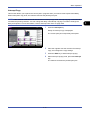
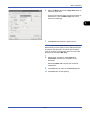
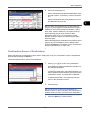
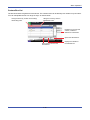
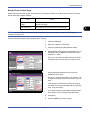
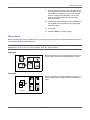
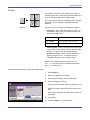
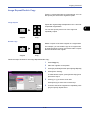
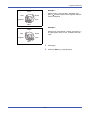
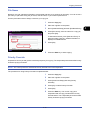
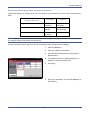
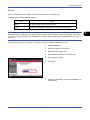
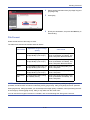
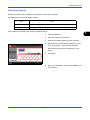
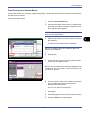
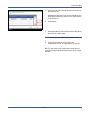
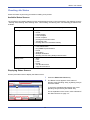
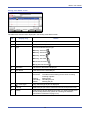
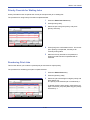
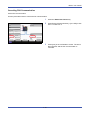
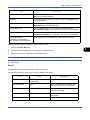
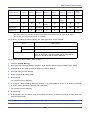
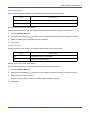
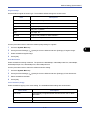
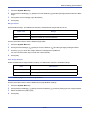
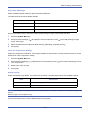
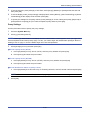
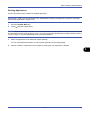
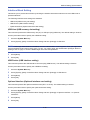
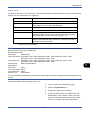
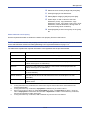
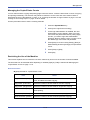
Press [Change] of Media Type and select the
media type. Then press [OK].
Standard
Sizes 2
Cancel
OK
Status
10/10/2008
10:10
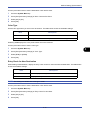
Common Settings - Media Type
Select type of paper in Cassette 1.
Plain
Rough
Recycled
Preprinted
Prepunched
Letterhead
Custom 1
Custom 2
Custom 3
Custom 6
Custom 7
Custom 8
Vellum
Bond
Color
Thick
High Quality
Custom 4
Custom 5
Cancel
Status
OK
10/10/2008
10:10
2-29