1
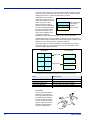
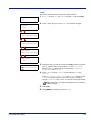
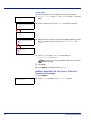
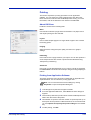
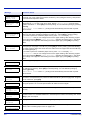
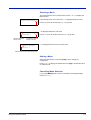
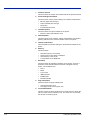
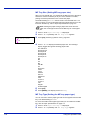
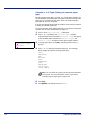
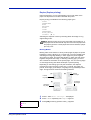
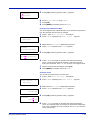
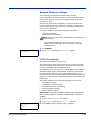
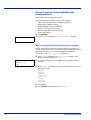
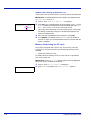
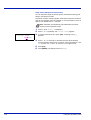
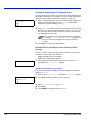
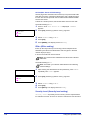
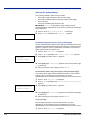
Copies (Number of copies)
Sets the number of copies printed of the specified file in USB flash
memory.
1
Copies
010
Paper Source
? Cassette 1
2
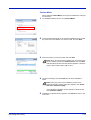
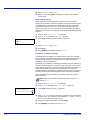
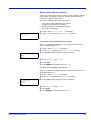
While Copies in step 5 above is displayed, press U and V or Y
and Z to display the number of copies. (E.g.: 10)
Press [OK]. Paper Source and a question mark (?) appears.
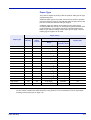
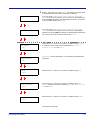
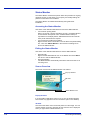
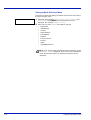
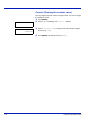
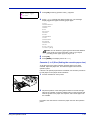
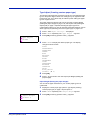
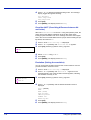
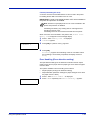
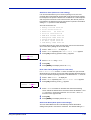
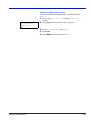
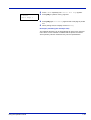
Paper Source (Selecting the paper feed source)
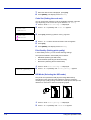
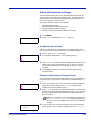
Sets the paper used for printing the specified file in USB flash memory.
Paper Source
? Cassette 2
1
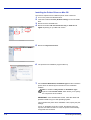
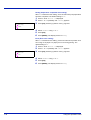
While Paper Source in step 2 above is displayed, press U and V
or Y and Z repeatedly until the paper source appears.
(For example : Cassette 2)
Note that menus shown in the list may vary depending on which
optional units installed in the printer.
2
Press [OK]. The message Processing appears and the printer
prints a file stored in a USB flash memory.
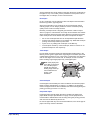
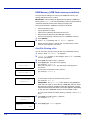
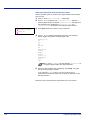
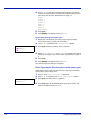
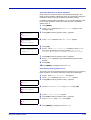
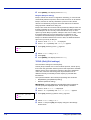
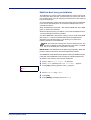
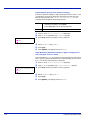
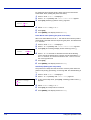
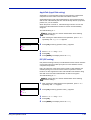
Remove Device (Removing the USB flash memory)
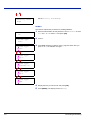
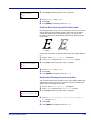
Specifies the setting for USB flash memory removal.
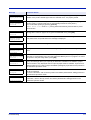
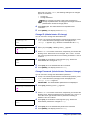
>Remove Device ?
1
2
3
4
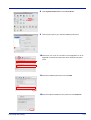
Press Z while USB Memory > is displayed.
Press U or V repeatedly until >Remove Device appears.
Press [OK]. A question mark (?) appears.
Press [OK] again. Menu display ends and the USB flash memory
device can be removed.
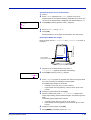
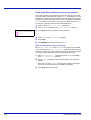
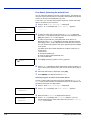
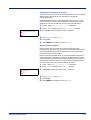
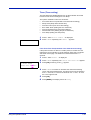
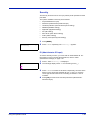
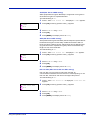
Print File List (Printing a list of the files on a USB
flash memory)
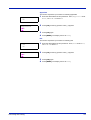
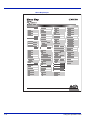
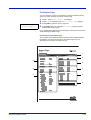
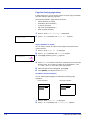
This allows you to print a list of the files on a USB flash memory device.
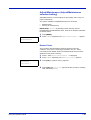
>Print
File List ?
1
2
3
4
Using the Operation Panel
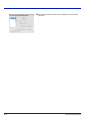
Press Z while USB Memory > is displayed.
Press U or V repeatedly until >Print File List appears.
Press [OK]. A question mark (?) appears.
Press [OK] again. The message Processing appears and the
printer prints a list of files stored in a USB flash memory.
7-17