1
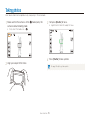
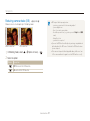
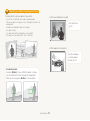
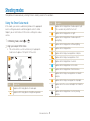
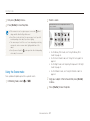
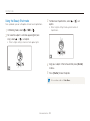
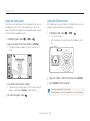
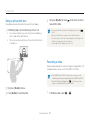
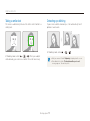
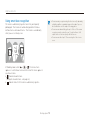
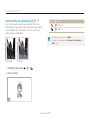
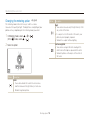
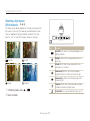
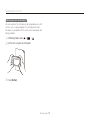
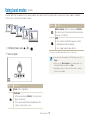
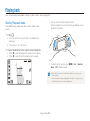
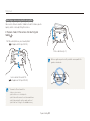
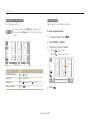
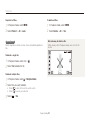
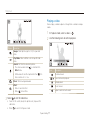
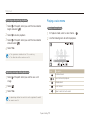
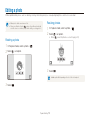
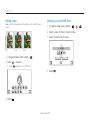
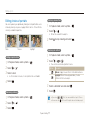
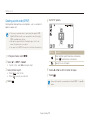
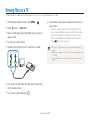
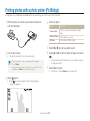
Playing back Learn actions to play back photos, videos, or voice memos, and managing files. t You can also view files by tilting the camera. (Motion recognition may not work well if you hold the camera parallel to the ground.) Starting Playback mode View photos or play videos and voice memos stored in your camera. 1 Press [P]. t The most recent file you have taken or recorded will be displayed. t If the camera is off, it will turn on. 2 Draw a horizontal bar left or right to scroll through files. t Select < to view the previous file. Hold to view files quickly. t Select > to view the next file. Hold to view files quickly. t To deactivate this function, select M . Gesture View Off in Playback mode. t If you want to view files stored in the internal memory, remove your memory card. t The camera will not properly play back files that are too large or those taken with cameras from other manufacturers. Playback/Editing 63